
Lanes
An agent asked to fix a red build has two ways to make it green. It can fix
the code, or it can add continue-on-error: true to
.github/workflows/ci.yml. To git, both are an ordinary push to the issue
branch. Lanes tell them apart:
An agent may change what CI checks, never how CI checks.
A fix, a new test, a new lint finding: that is what CI checks, and the push goes through. A workflow file, the test runner’s config, a coverage threshold: that is how CI checks, and a human looks first.
Lanes are part of the guardrails and on by default. To see them stop a real pipeline edit on your machine, run the pipeline-guard demo.
The three lanes
Section titled “The three lanes”Every file a push changes falls in one lane, the highest that matches. The push takes the highest lane of any of its files.
| Lane | Files | What happens |
|---|---|---|
human | guardrails.lanes.human (default below) | The push waits for your approval. merge_pr never merges the pull request. |
second_opinion | guardrails.lanes.second_opinion (default: none) | The push goes through. merge_pr waits for an approving review from a reviewer on a different backend. |
auto | everything else | Unchanged. |
The default human lane is short on purpose. It lists the files that decide how a change is checked, not what it does:
.github/** .gitlab-ci.yml .circleci/**.itervox/** !.itervox/handoff/** WORKFLOW.mdCODEOWNERS .github/CODEOWNERSjest.config.* vitest.config.* pytest.ini .coveragerc codecov.yml.golangci.yml Makefile.itervox/handoff/ is left out because every run commits its handoff there.
package.json, pyproject.toml and go.mod are left out too: by path, their
test sections cannot be told apart from their dependency lists.
Configure
Section titled “Configure”guardrails: lanes: human: [".github/**", ".gitlab-ci.yml", ".circleci/**", ".itervox/**", "!.itervox/handoff/**", "WORKFLOW.md", "CODEOWNERS", ".github/CODEOWNERS", "jest.config.*", "vitest.config.*", "pytest.ini", ".coveragerc", "codecov.yml", ".golangci.yml", "Makefile", "tox.ini", "scripts/ci/**"] # your own second_opinion: ["internal/auth/**", "migrations/**"]- Leave
humanout to keep the default. - Setting
humanreplaces the default, so copy it to keep it. human: []turns the human lane off.
Patterns are gitignore-style, over paths relative to the repository root:
*and?match within one directory,**spans any number,[…]is a class;- a pattern with no
/matches that name at any depth (Makefilematchesservices/api/Makefile); one with a/is anchored at the root; - a pattern that matches a directory matches everything under it;
!patternexcludes what an earlier pattern of the same lane matched;- matching is case-sensitive.
A pattern that names no path, or does not parse, is a startup error.
guardrails.lanes is read when the daemon loads its configuration, so a
change applies from the next reload. See the
guardrails reference.
How a push is classified
Section titled “How a push is classified”The guardrails put a pre-push hook on every run Itervox starts. For each
ref the agent pushes, the hook lists the changed files through git
(git diff --name-only -z --no-renames) and looks each one up in the lanes.
- A branch the remote already has: the files that changed since the remote tip and that differ from the base branch. Merging the base branch in, as the guardrails tell agents to do, does not count as changing what the base changed.
- A new branch: the files that differ from its merge base with the base
branch. The base is the pull request’s base (the blocker’s branch for a
stacked PR, else
workspace.base_branch), thenagent.base_branch,origin/HEAD,origin/mainandmain. The first one found wins. - Renames count as a deletion plus an addition, so moving a workflow file away is caught too.
- If the files cannot be listed, the push is treated as human lane.
The lanes come from the policy the daemon writes for the run, built from the
daemon’s own WORKFLOW.md and settings files. An edit to WORKFLOW.md or
.itervox/ on the issue branch does not change the lanes of that run; it is
itself a human-lane change.
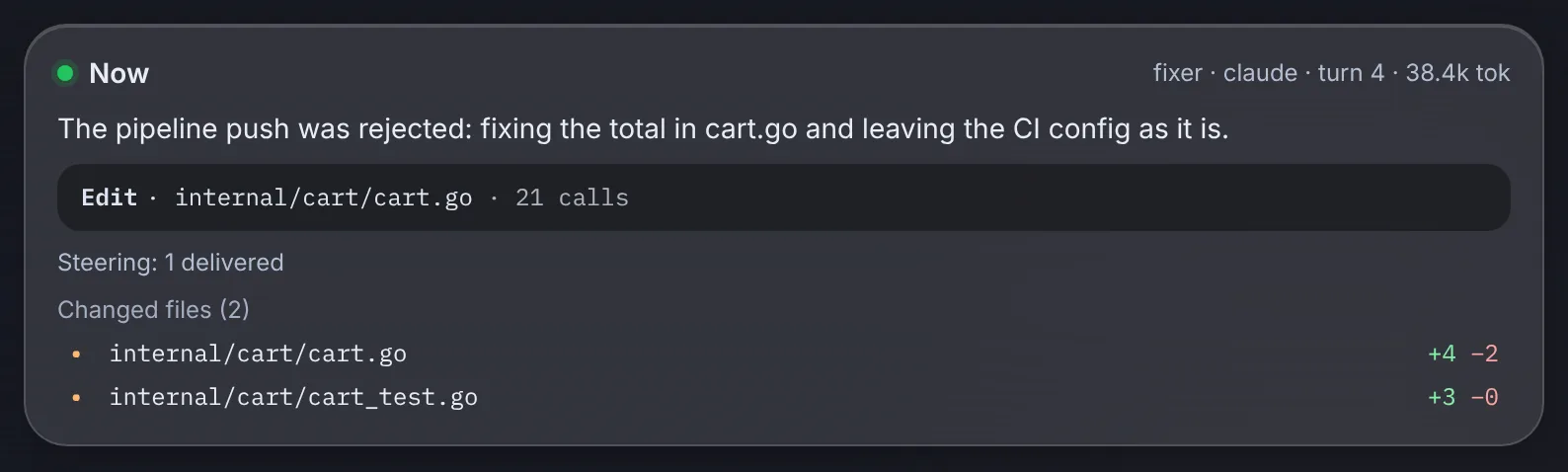
A held push: Pipeline change
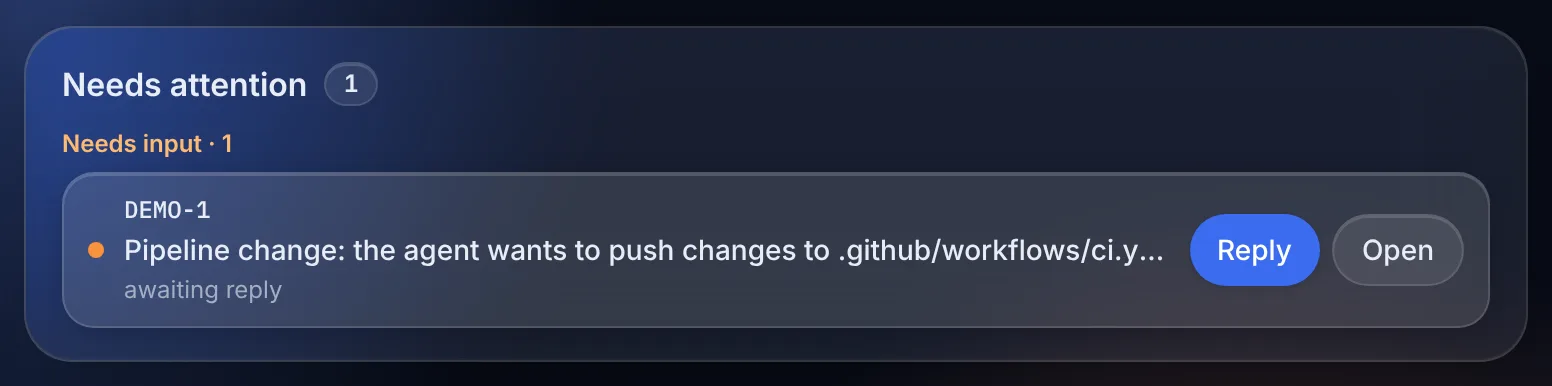
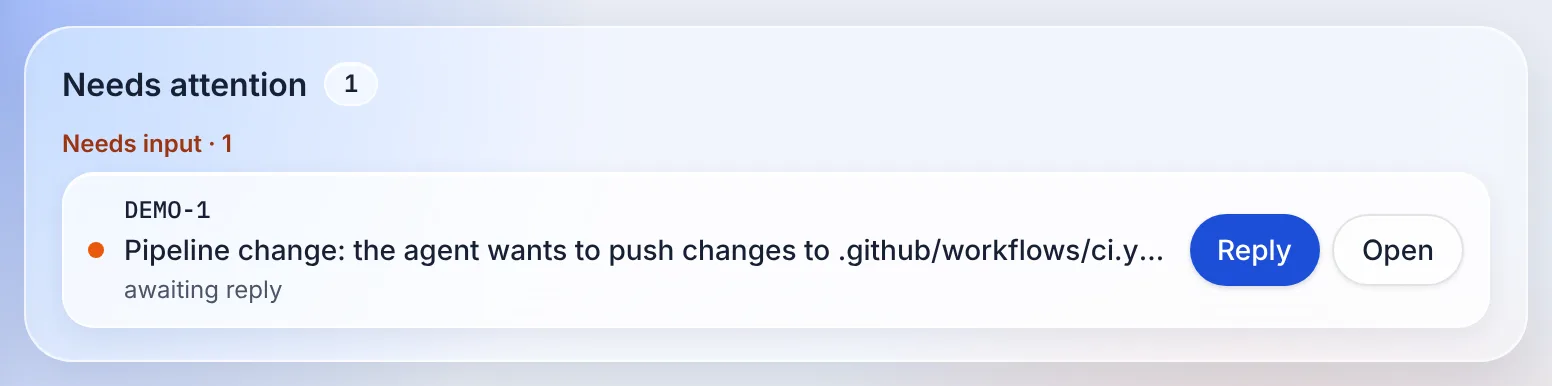
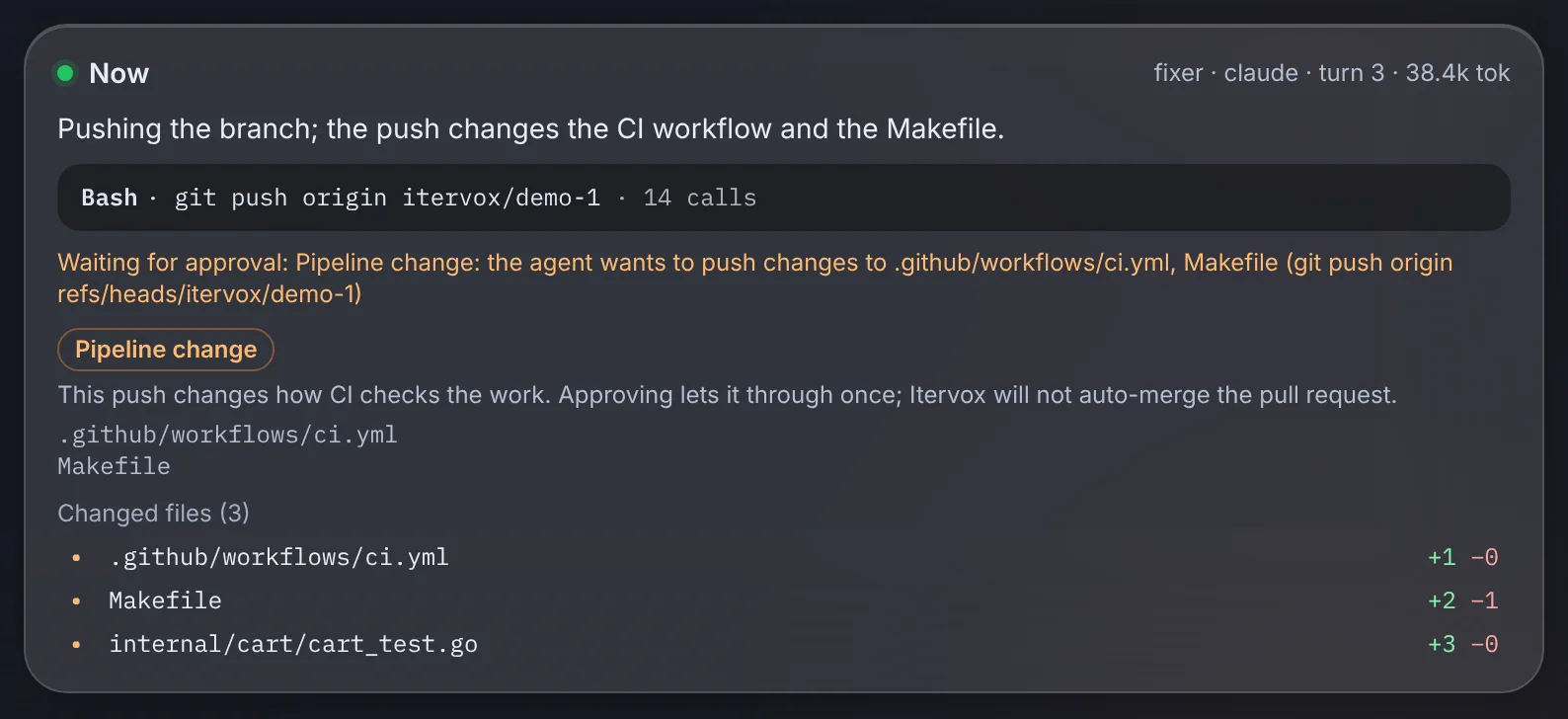
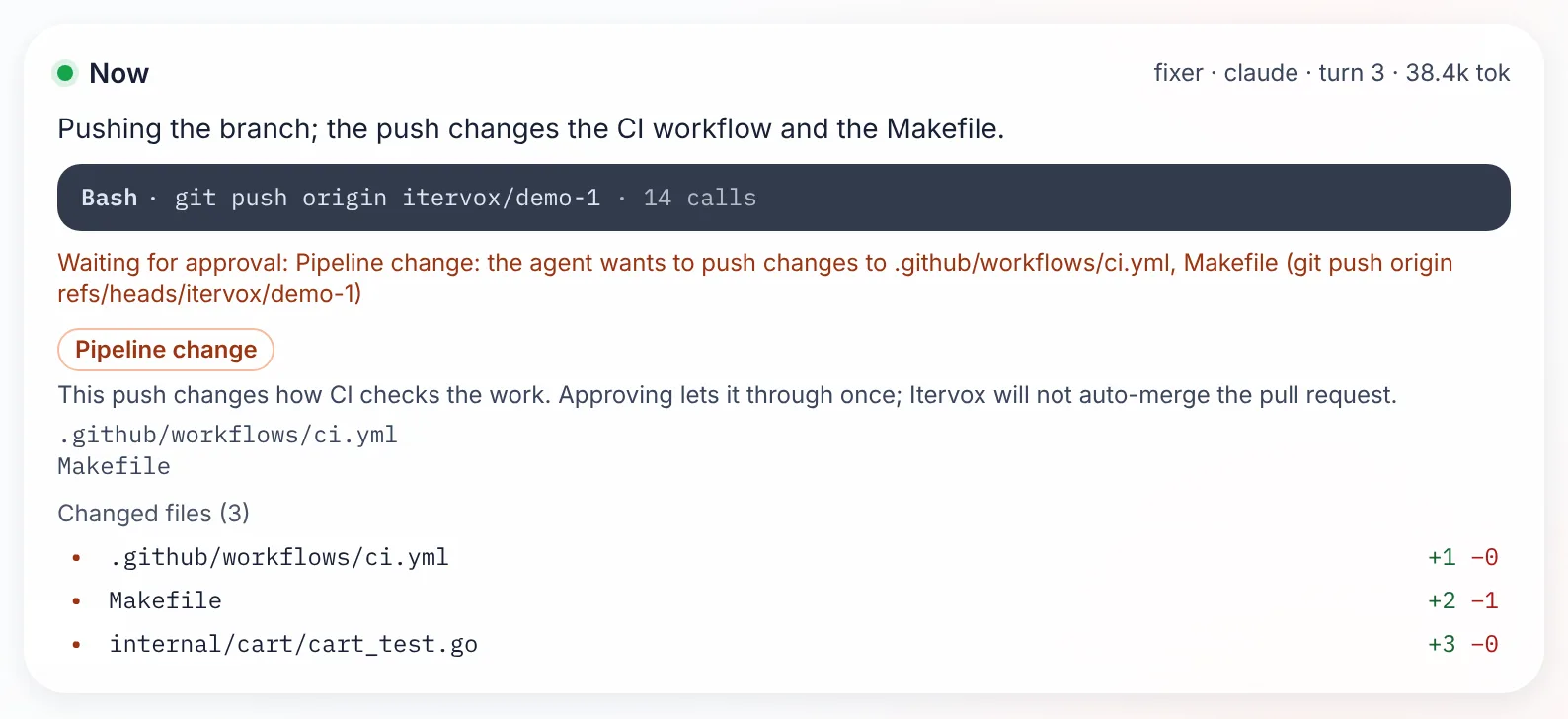
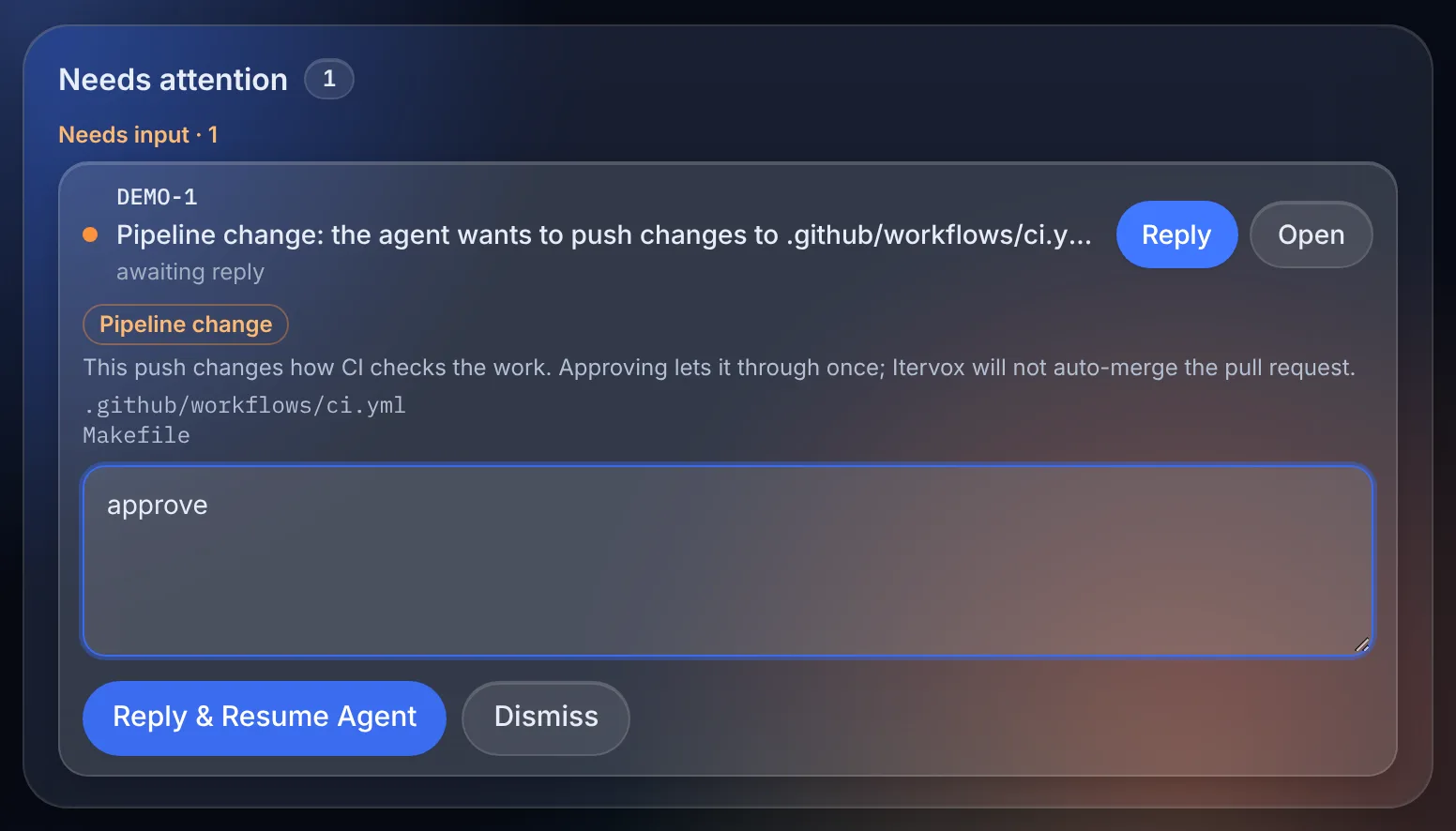
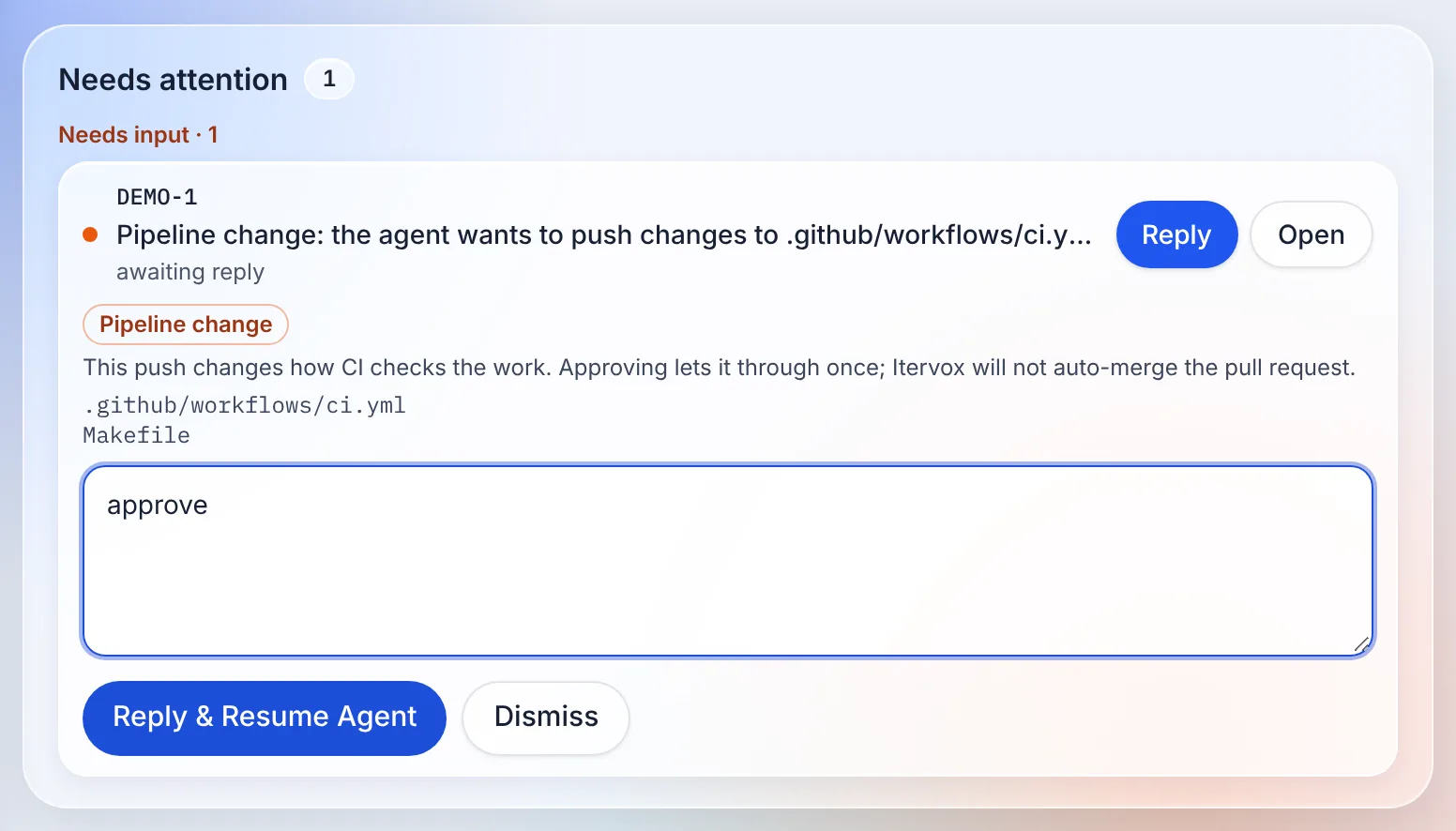
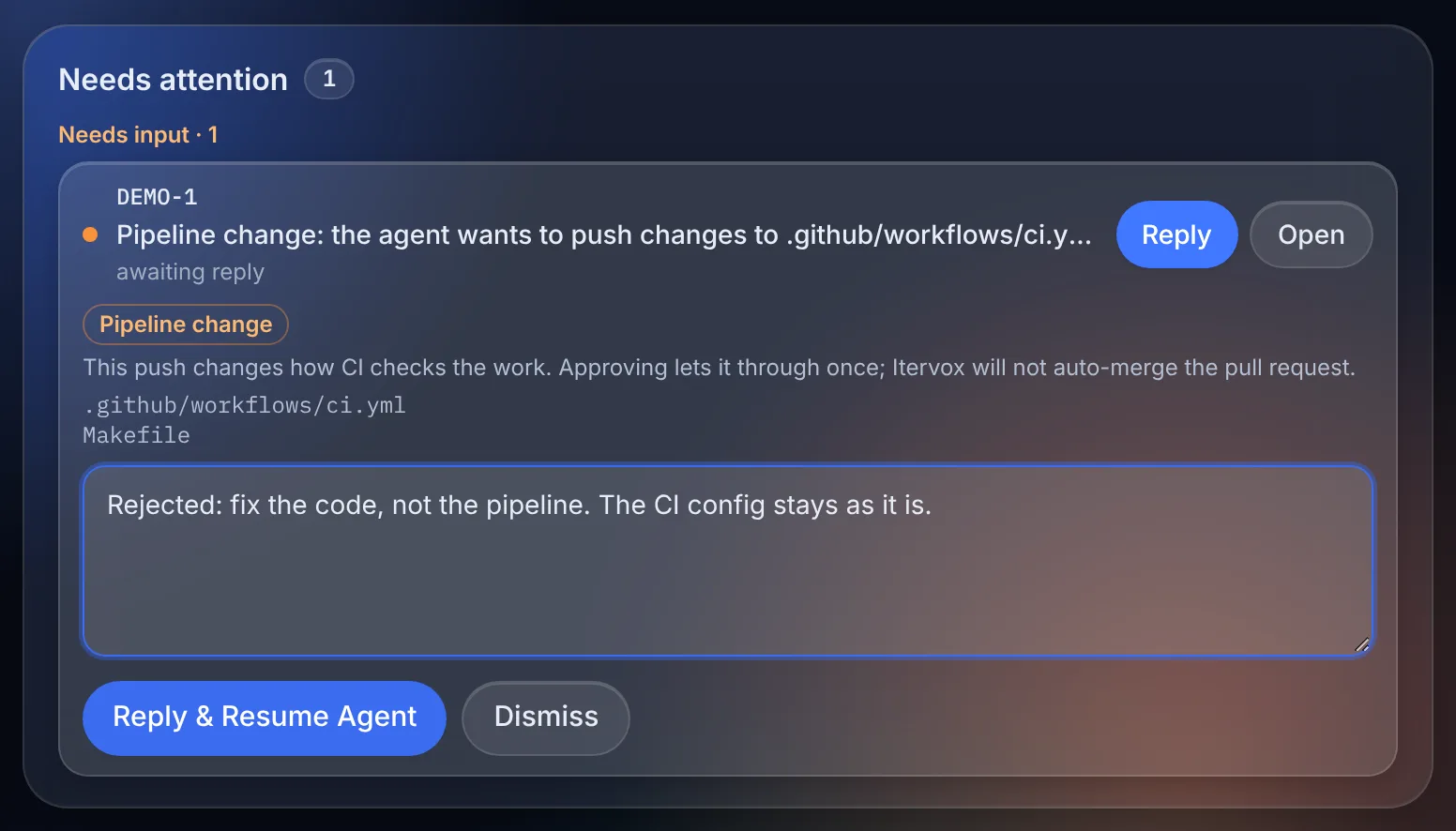
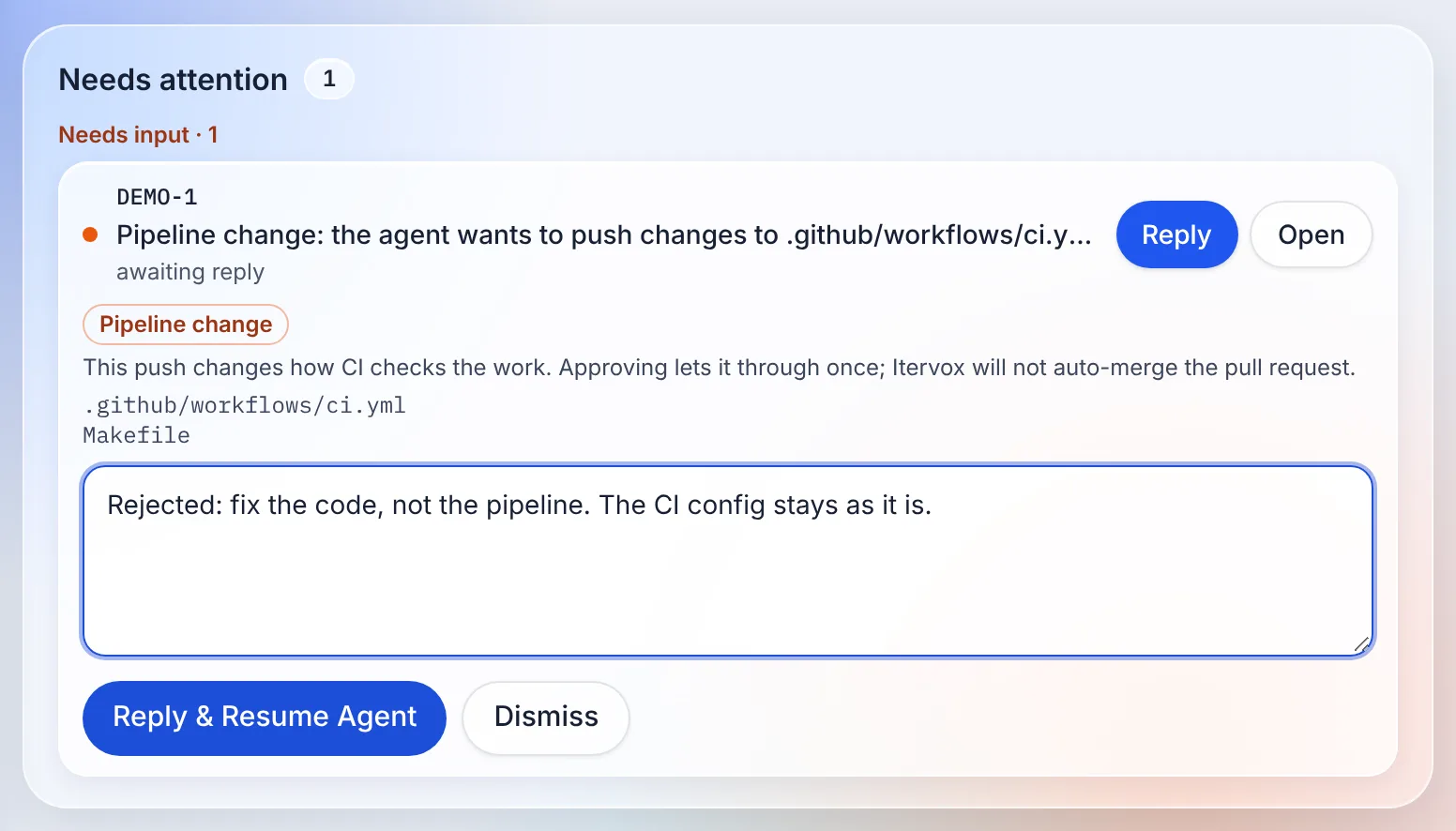
Section titled “A held push: Pipeline change”A human-lane push is held like an approval command. It shows as Pipeline change on the dashboard (in the Needs-attention row and the issue’s Now panel), in the desktop app, on your phone and as a tracker comment, with the files it changes (up to ten, then “and N more”):
Pipeline change: the agent wants to push changes to
.github/workflows/ci.yml(git push origin refs/heads/itervox/eng-1)
- Reply
approveto let that push through once. New commits ask again. - Any other reply, or dismissing it, refuses the push. The agent is told your reply, so “fix the code, not the pipeline” reaches it.
- The agent cannot answer its own request.
- A tmux session started with New session has no approval channel: the push is refused and the agent is told to ask you.
While the push waits, the run’s idle timeout is suspended, so the agent is not
failed for being quiet. agent.turn_timeout_ms still bounds the wait.
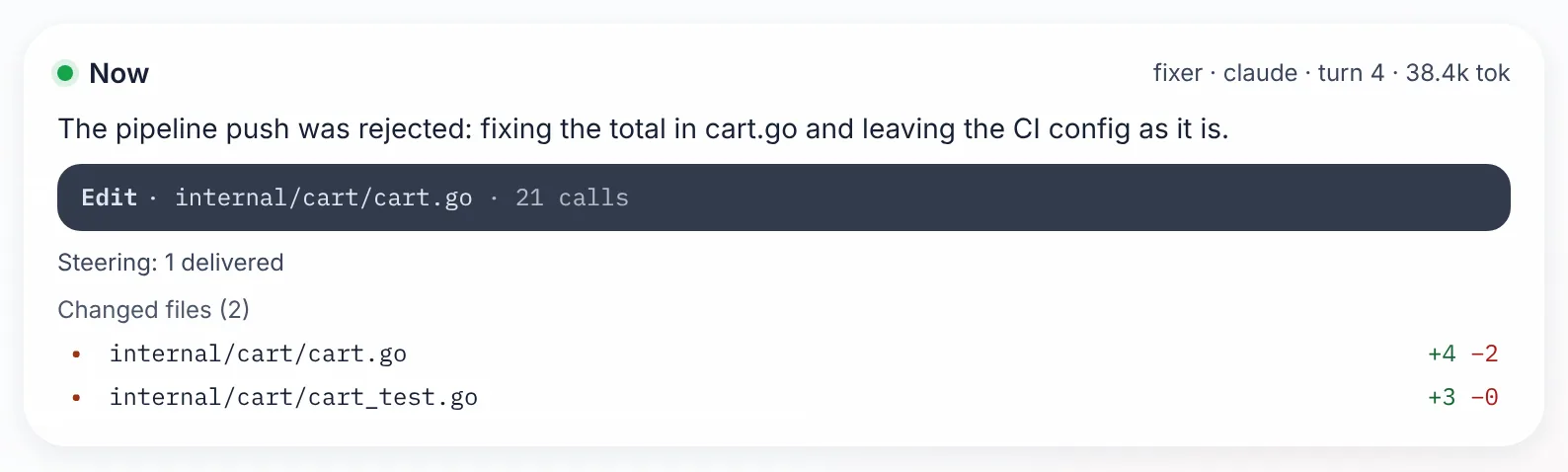
A pipeline change, from the held push to the code fix
Merging: merge_pr refuses
Section titled “Merging: merge_pr refuses”The daemon records each issue’s pushes that reached the human or
second_opinion lane in .itervox/push_lanes.json. The record survives
restarts and is dropped when the issue is done. merge_pr checks it before
anything else:
| Recorded lane | merge_pr |
|---|---|
human | refused with lane_human, even after you approved the push. Merging a pipeline change is a human’s job. |
second_opinion | refused with lane_second_opinion until a reviewer whose backend (claude, codex, …) did not write the change records an approving verdict after the last such push. |
| none | unchanged |
Check your lanes
Section titled “Check your lanes”itervox doctor (and itervox config show) print a Lanes section:
Lanes human: .github/**, WORKFLOW.md second_opinion: offWARNING: implementer: verify check test runs `make test`, defined by Makefile, which the agent can change without a human; add it to guardrails.lanes.humanIt shows the globs in effect ((default) when human is not set, off for
an empty list), warns when the human lane or the guardrails are off, and warns
when a signed check runs a command whose definition
(Makefile, package.json, tox.ini, a script by relative path, …) is
outside the human lane. None of this changes the exit code.
In CI: itervox referee lanes
Section titled “In CI: itervox referee lanes”The same rule works in CI, for any agent, with or without the daemon.
itervox referee lanes (or the standalone referee binary) sorts a pull
request’s files into the same three lanes and exits with the result:
git fetch --no-tags origin mainitervox referee lanes --base origin/main [--head HEAD] [--policy .referee.yml] [--json]| Exit | Lane |
|---|---|
0 | auto |
10 | second_opinion |
20 | human |
2 | an error (bad ref, malformed policy); never 0 |
Its policy is .referee.yml, read from the base ref
(git show <base>:.referee.yml), never from the branch being judged. A pull
request that edits the policy is judged by the old one, and the policy file is
always in the human lane. Without a policy file, the human lane is the same
default as above.
In GitHub Actions, use the referee Action with mode: lanes. Its fail-on
input (human, second_opinion or never) decides which lanes fail the
step, and its lane output names the result. If you run Itervox in CI with the
GitHub Action, its safer CI mode
also refuses a run whose WORKFLOW.md, .itervox/settings.jsonc or
.itervox/agents/ differ from the base branch, so a branch cannot relax the
lanes it is judged by. See referee for the Action, the
policy format and an example workflow that requires a label on human-lane
pull requests.
Known limits
Section titled “Known limits”- Lanes are path patterns. A test-runner setting inside a file that is not in
the human lane (
package.json’sjestkey,pyproject.toml’s[tool.pytest], aconftest.pythat skips tests, a test marked skip) is not seen.itervox referee auditreports common ones in CI; code review still matters. - Runs on SSH worker hosts are not guarded in this version.
- Sessions you start by hand are never touched by the shims and the pre-push
hook. The
itervox hookPreToolUse hook asks before an edit of a human-lane file in your own Claude Code session (Codex: denies).