
Command palette
Press Ctrl+K (⌘+K on a Mac), or click Commands in the top bar, to open the command palette on any page of the dashboard. Type to search, ↑/↓ to move, Return to run, Esc to close.
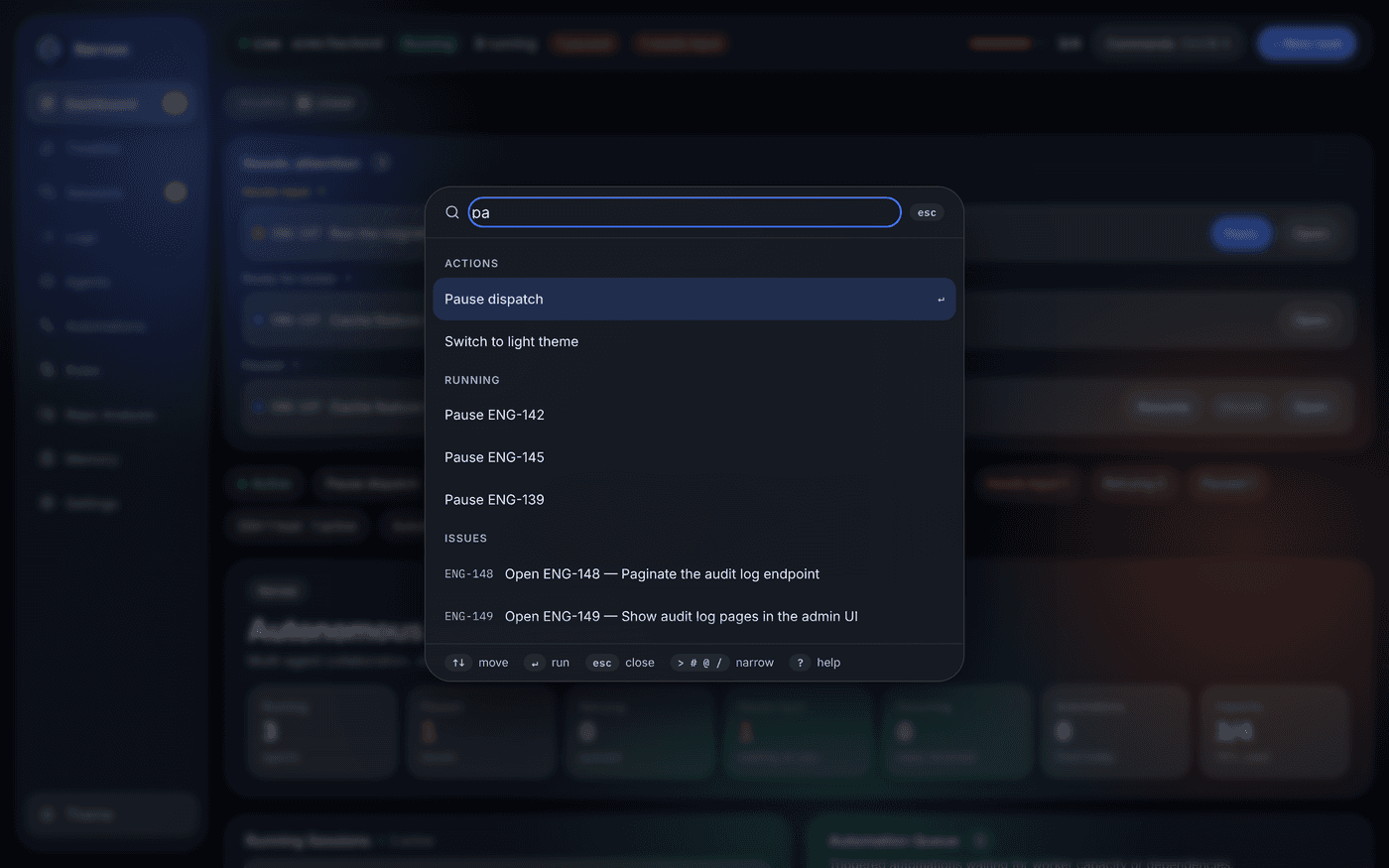
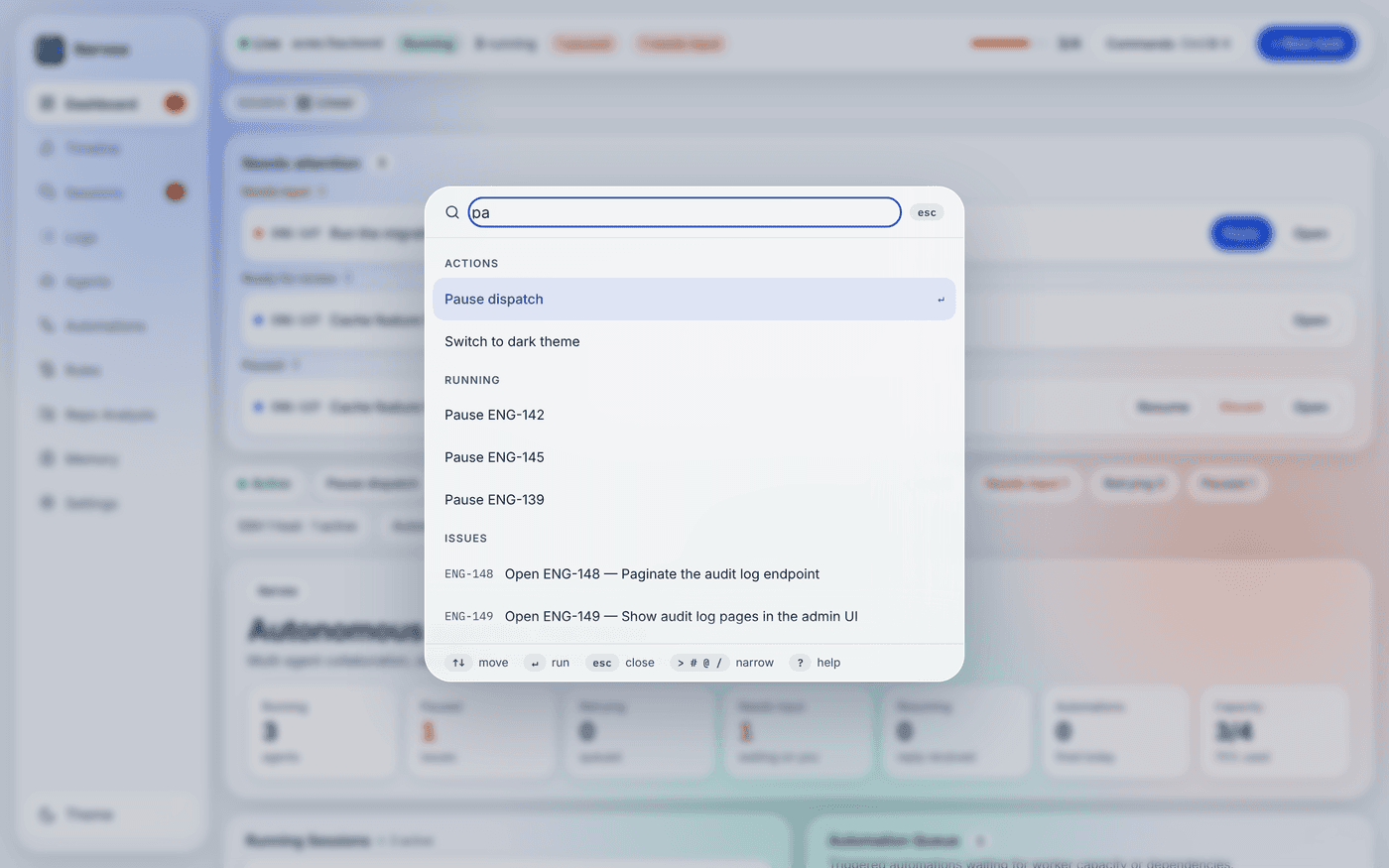
What it searches
Section titled “What it searches”| Group | Rows | Picking one |
|---|---|---|
| Actions | see below | runs it (some ask first) |
| Go to | every page, with its g shortcut | opens the page |
| Issues | every issue the dashboard lists | opens its detail panel |
| Running | Pause / Discard for each running issue | asks first, then stops the run |
| Agent profiles | Open in Agents, and Edit (admin) | scrolls to the profile, or opens its editor |
| Automations | every automation rule | opens its editor on Automations |
| Rules | every rule of the user, project and local layers | opens Rules on that layer |
| Memory | every memory entry | opens it on the Memory page |
| Settings | every field of All settings (admin) | opens the field’s section on Settings and focuses the field |
| Sessions | every session of the Sessions panel | opens it on Sessions |
| Logs | Search logs for what you typed | opens Logs on the first issue that matches, else the issue you have open |
Every source is data the dashboard already reads: the live state, and the same reads as the Memory, Rules, Settings and Sessions pages, made when the palette opens.
Actions
Section titled “Actions”Each action is listed only when it can run for you:
- New task — operator scope.
- Pause dispatch / Resume dispatch — when the daemon offers the dispatch pause and you have the operator scope; confirms first, like the button on the dashboard.
- Switch to light / dark theme.
- Switch to project name — in a project dashboard served by the hub, when the hub lists several projects.
- Analyze dependencies — operator scope, when
agent.deps_analyzer_profilenames an enabled profile and no pass is running. - Refresh models — admin scope.
- Open ISSUE’s pull request — when the issue open in the detail panel or the issue view has a PR that its Changes tab has shown.
- Send review of ISSUE — when that issue has a draft review; confirms first, then sends it as Send to agent does with its defaults.
Narrowing the search
Section titled “Narrowing the search”Start the query with a prefix to search one kind of row:
| Prefix | Searches |
|---|---|
> | actions and running work |
# | issues (and Search logs) |
@ | agent profiles |
/ | pages |
? | lists these prefixes; pick one to fill it in |
Ranking
Section titled “Ranking”Matching is fuzzy: the letters you type must appear in order, and rows rank
higher when the letters start the text or a word, run together, or match an
issue’s identifier — wb207 finds WEB-207. Every word of the query must
match. Commands you ran recently rank higher, and with an empty query the
palette shows your recent commands and then the main actions. Recent commands
are remembered in this browser only (up to eight).