1Tracker
Issues appear in your tracker
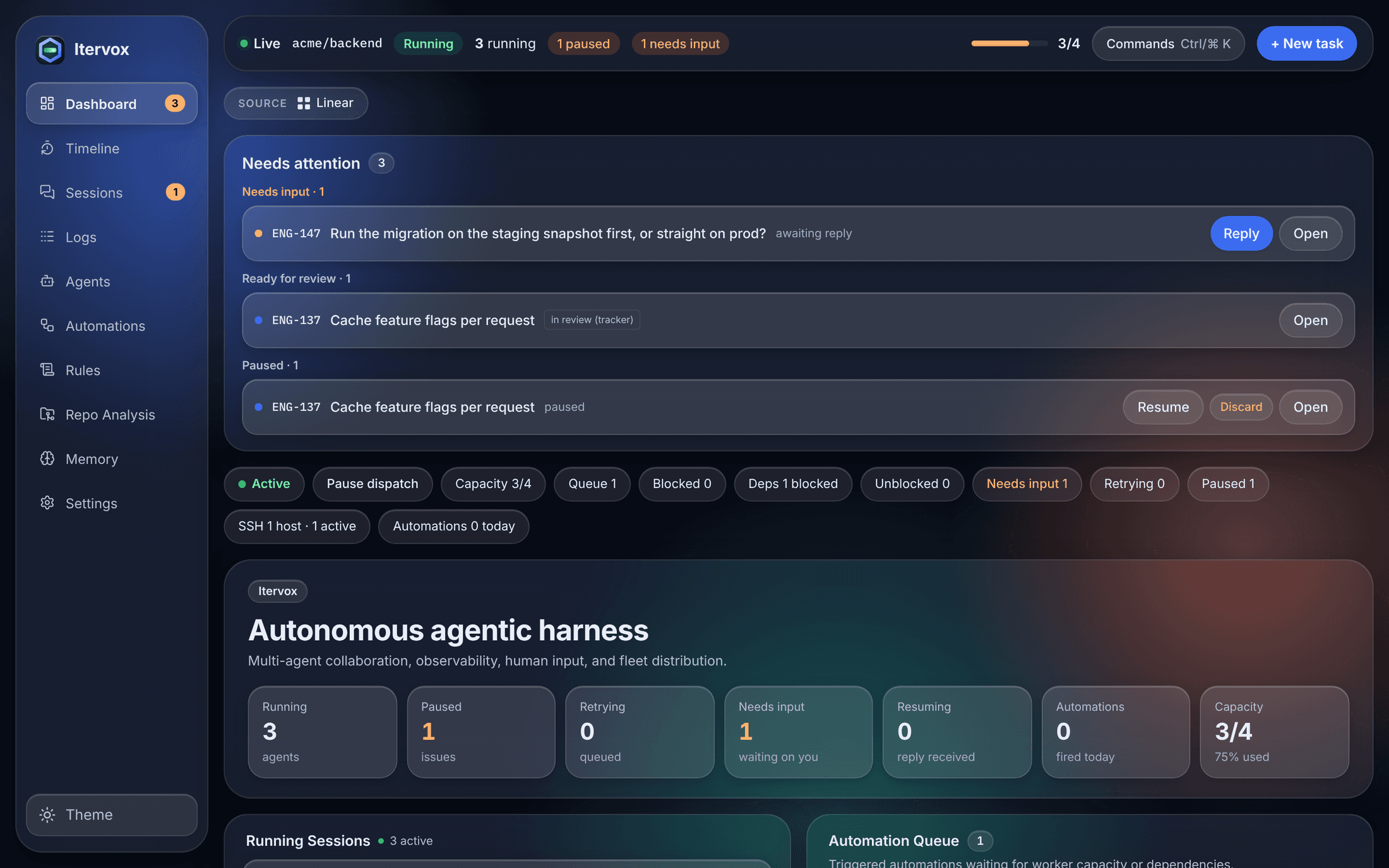
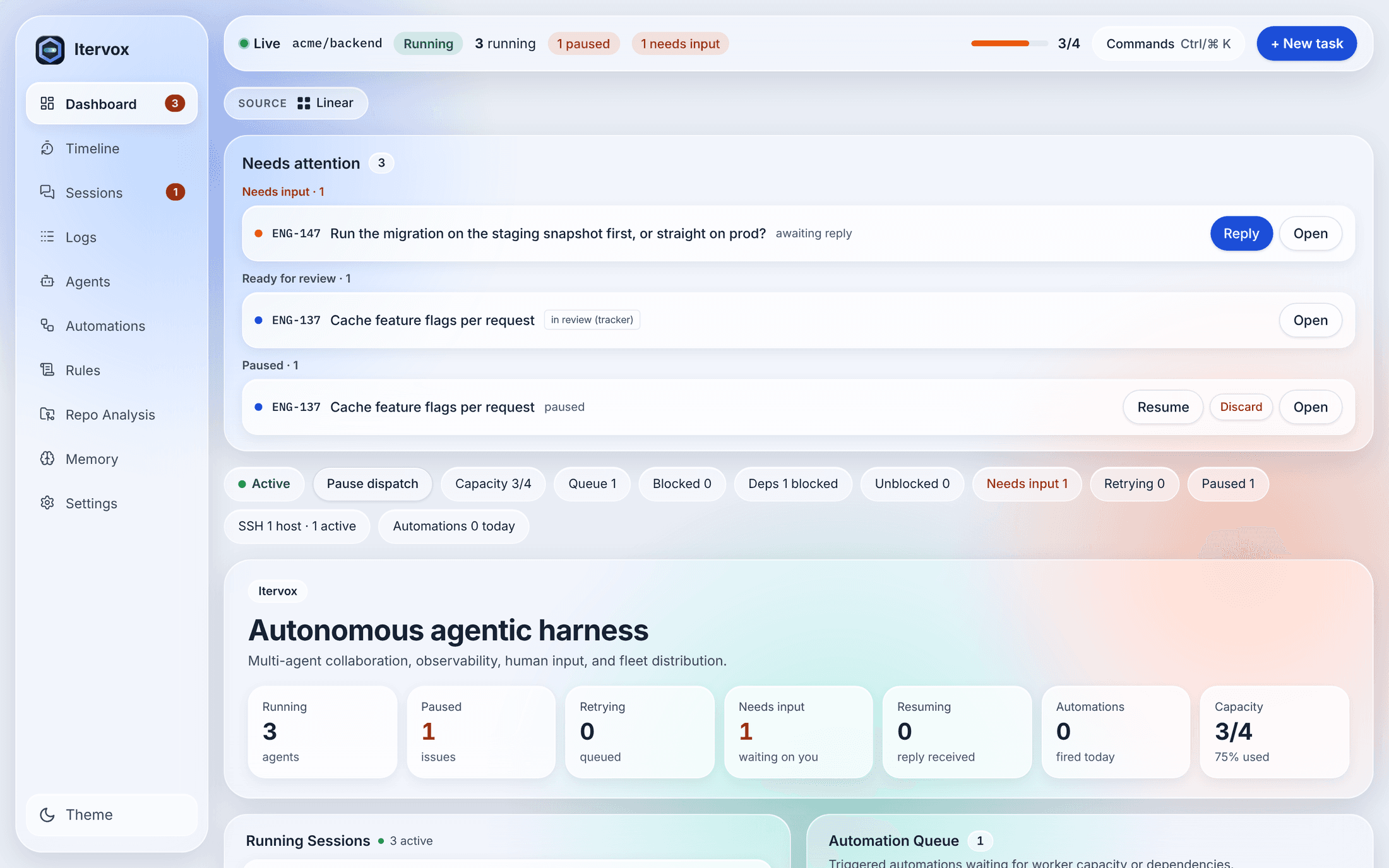
Itervox polls Linear, GitHub Issues, or Markdown files under .itervox/issues/, and claims the work that is ready.
ENG-148 Paginate the audit log
ENG-149 Audit log pages in admin
 Open source Apache 2.0 · one static Go binary
Orchestrate AI agents across issues, profiles, and machines. Full visibility from dispatch to PR.
brew install vnovick/tap/itervox 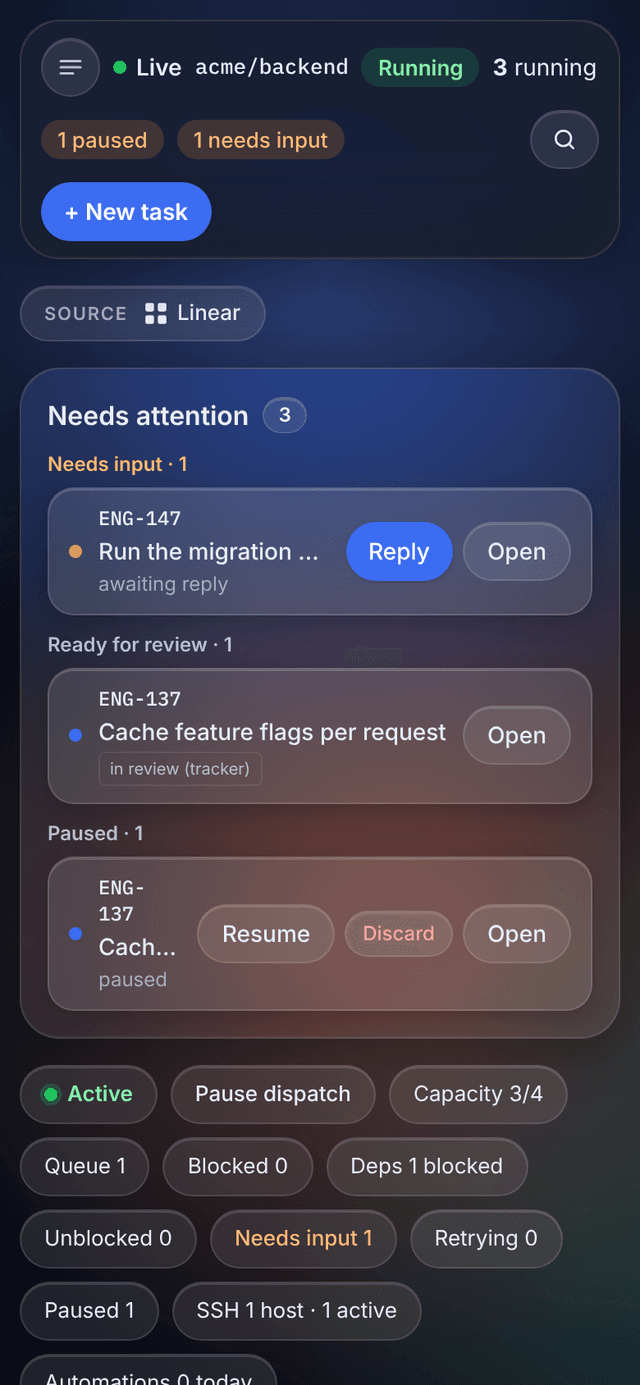
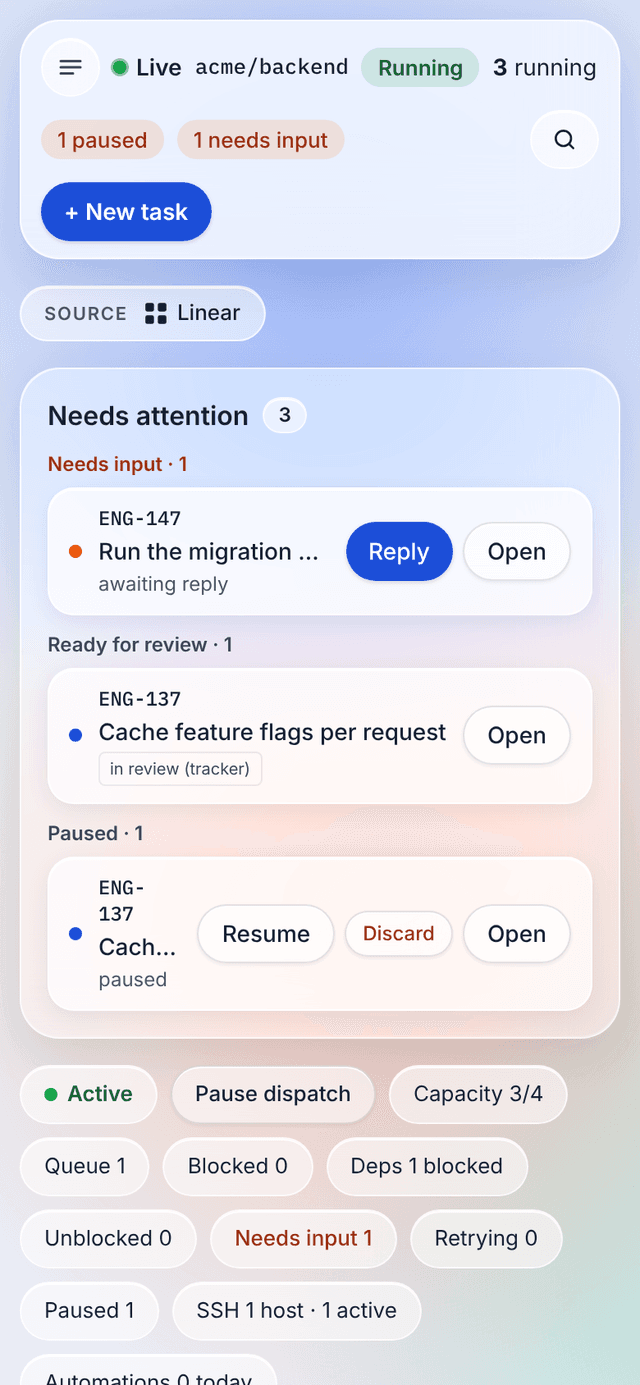
Running coding agents by hand, one issue at a time, doesn't scale. Itervox turns them into a fleet.
Itervox polls Linear, GitHub Issues, or Markdown files under .itervox/issues/, and claims the work that is ready.
Each agent runs in its own git worktree, with retries, stall detection and live logs. Locally, or on SSH worker hosts.
When the work is done the PR link lands on the issue and its state moves on. You review and merge — that's it.
# in your repository
$ itervox quickstart
  detects tracker + agent CLI, writes WORKFLOW.md,
  runs itervox doctor, starts the daemon
$ itervox demo   # or try a throwaway board first
Autonomous, not unsupervised. Agents do the work; you stay in control at every checkpoint.
Run up to N agents in parallel with per-state concurrency limits. Scale from 1 to 50+ without config changes.
Failed runs retry with exponential backoff — 10s, 20s, 40s, capped at 5 minutes. Stalled workers are killed and retried.
Agents can ask you a question. It is posted to the tracker; reply from Linear, GitHub or the dashboard and the run resumes.
Free a slot now; resume later and the agent continues the same session from exactly where it stopped.
Trigger helper runs on cron, new comments, state changes, failed runs, opened or merged PRs, rate limits and resolved blockers.
Tracker blockers gate dispatch, inferred edges soft-gate it, and a dependent can stack on its blocker's branch while that one is in review.
Profiles opt into comment, review, create issue, move state or provide input — a short-lived per-run grant, not blanket access.
Concurrency, profiles, tracker states and more are live-editable from the dashboard and persist to your settings files.
Route agents to SSH worker hosts with live load bars in the host pool. The same wrapper runs every backend remotely.
A real-time board, issue inspector and dependency graph — and itervox watch for the same view in a terminal.
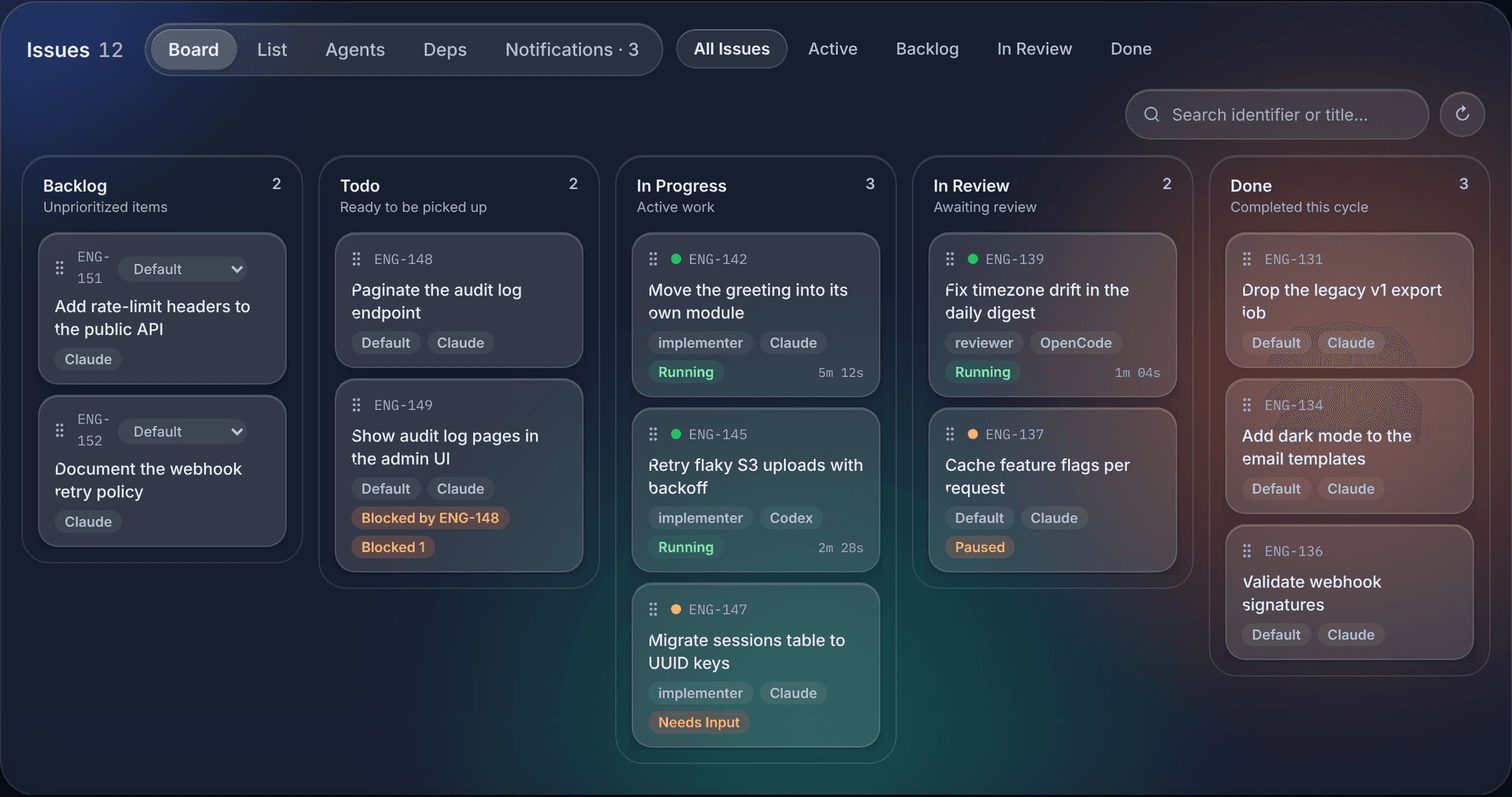
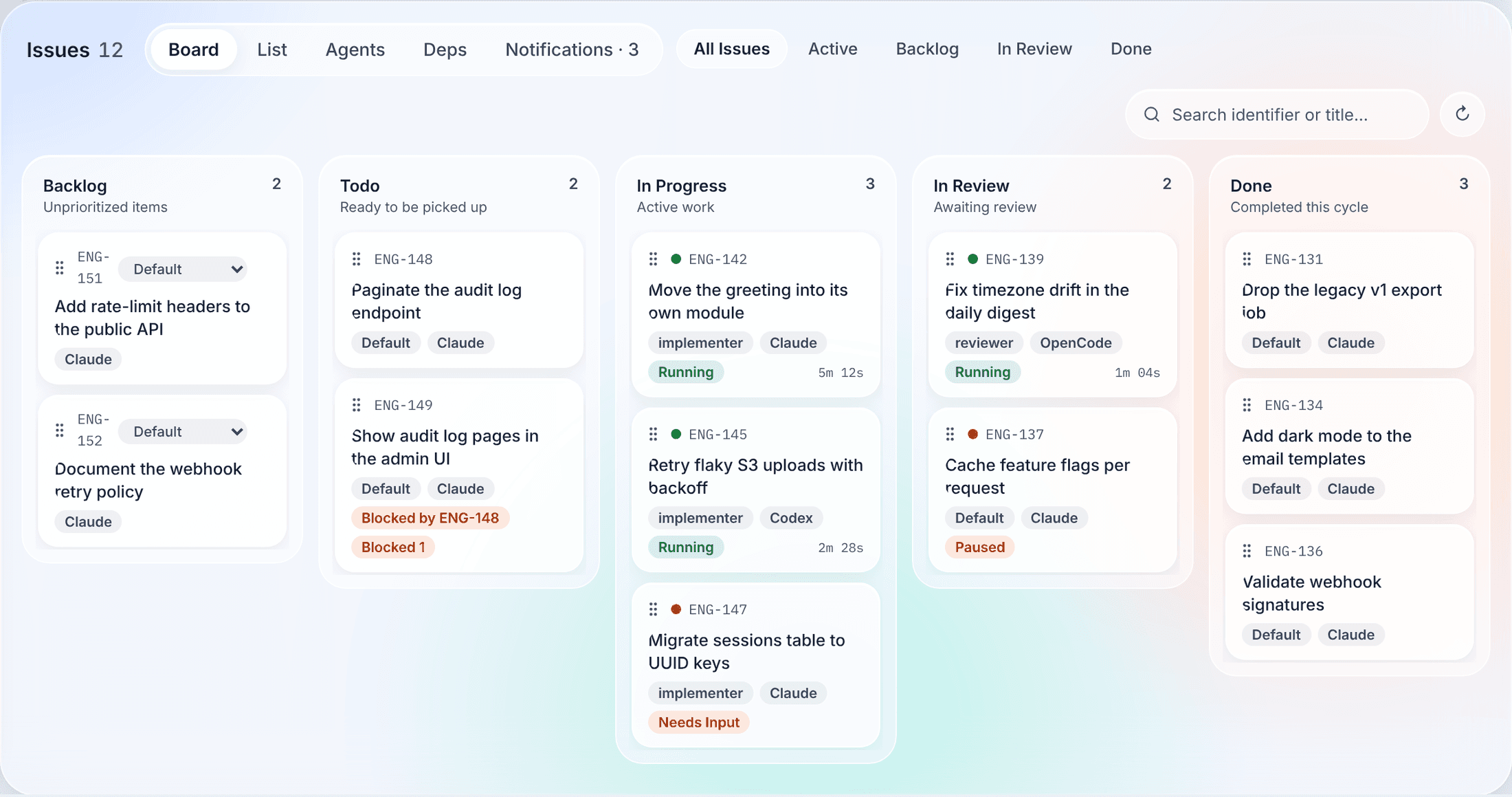
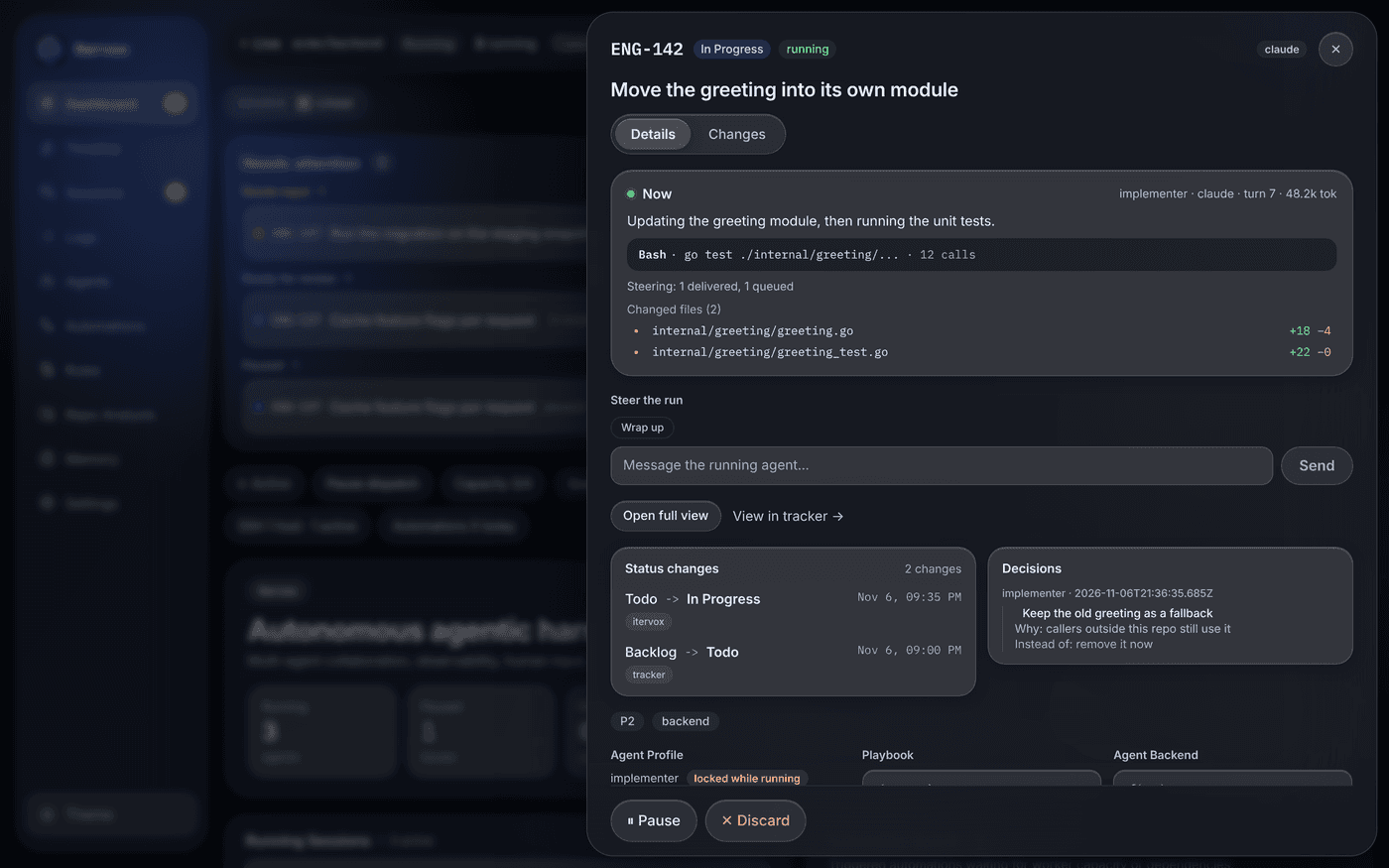
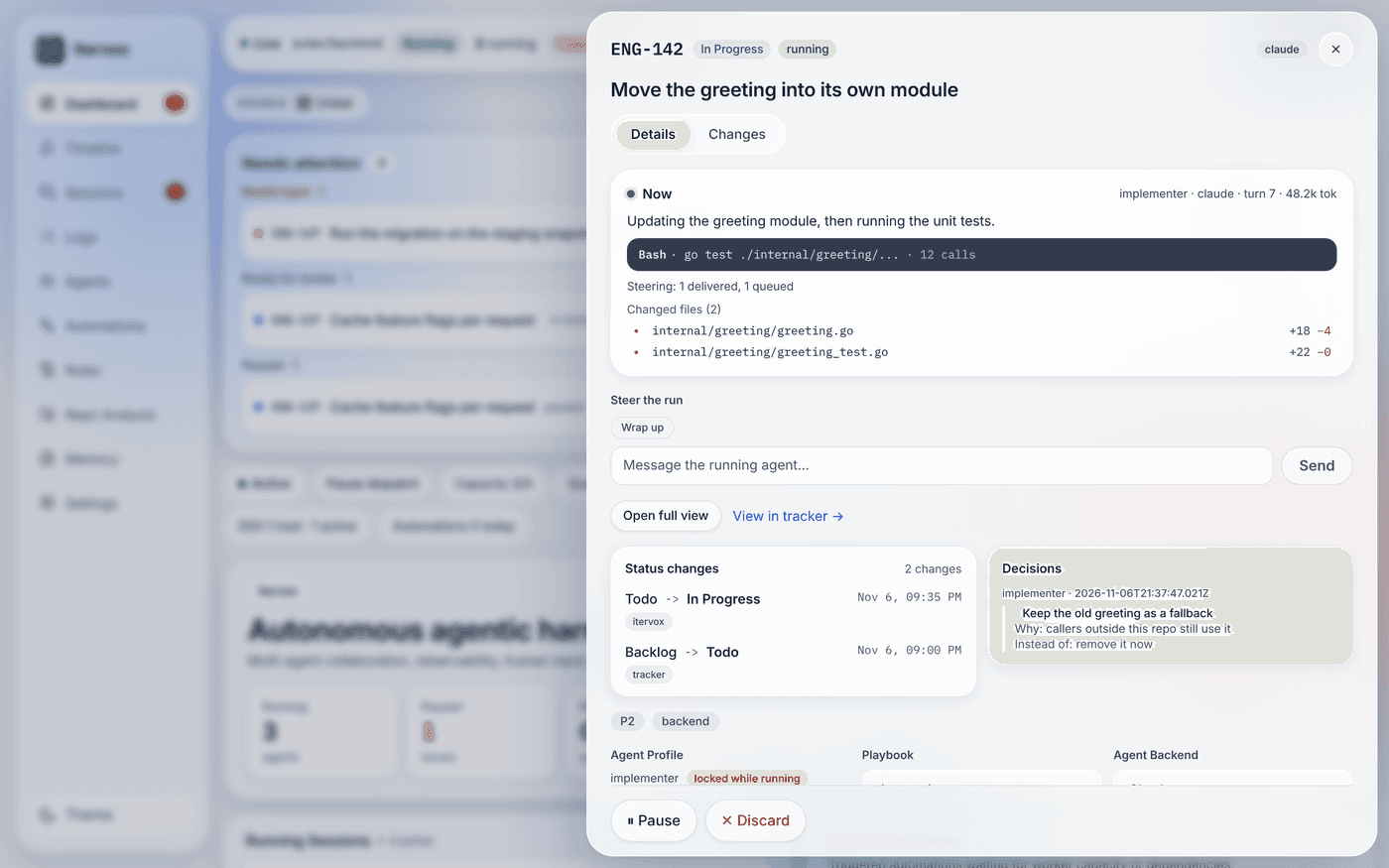
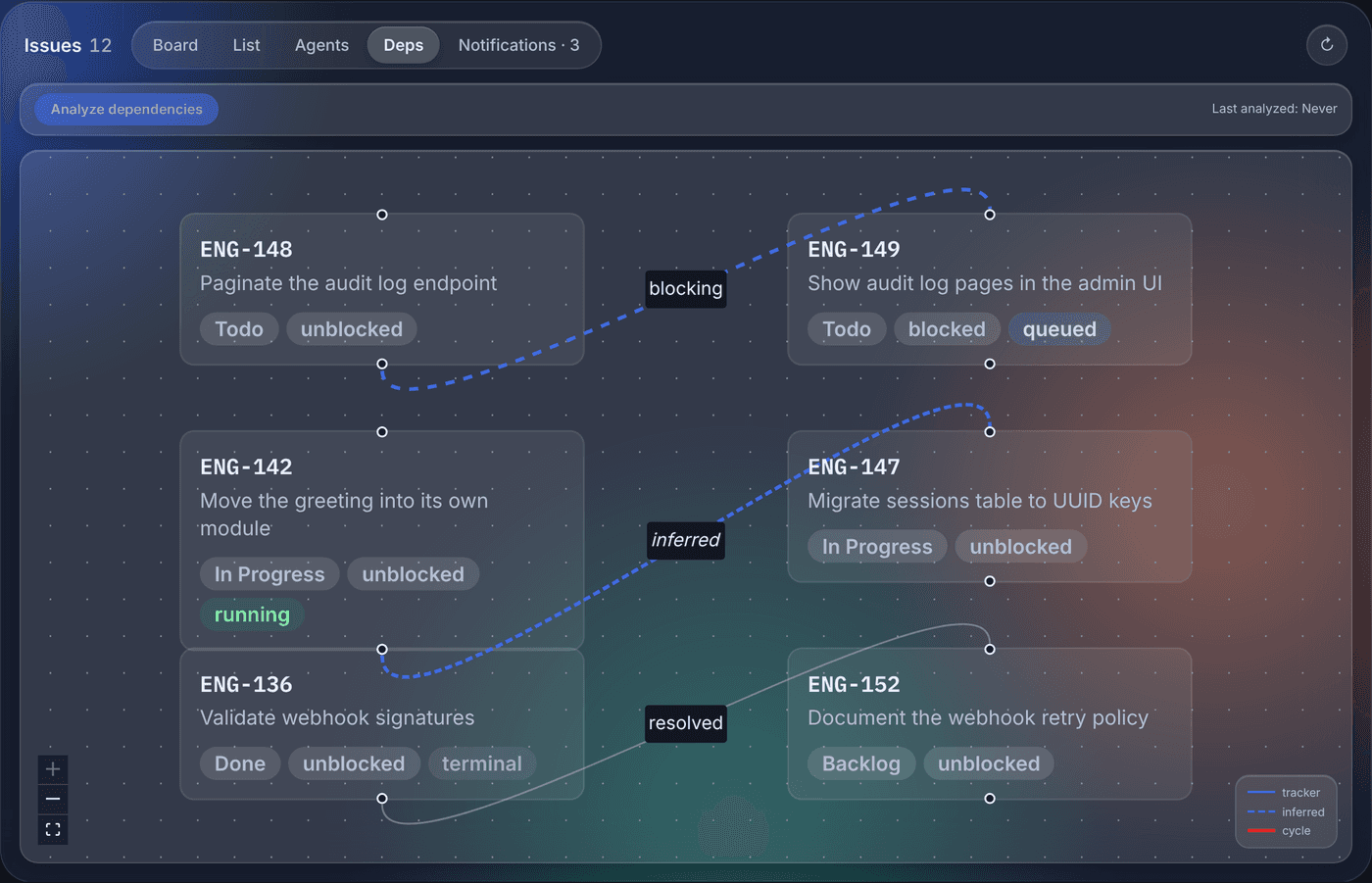
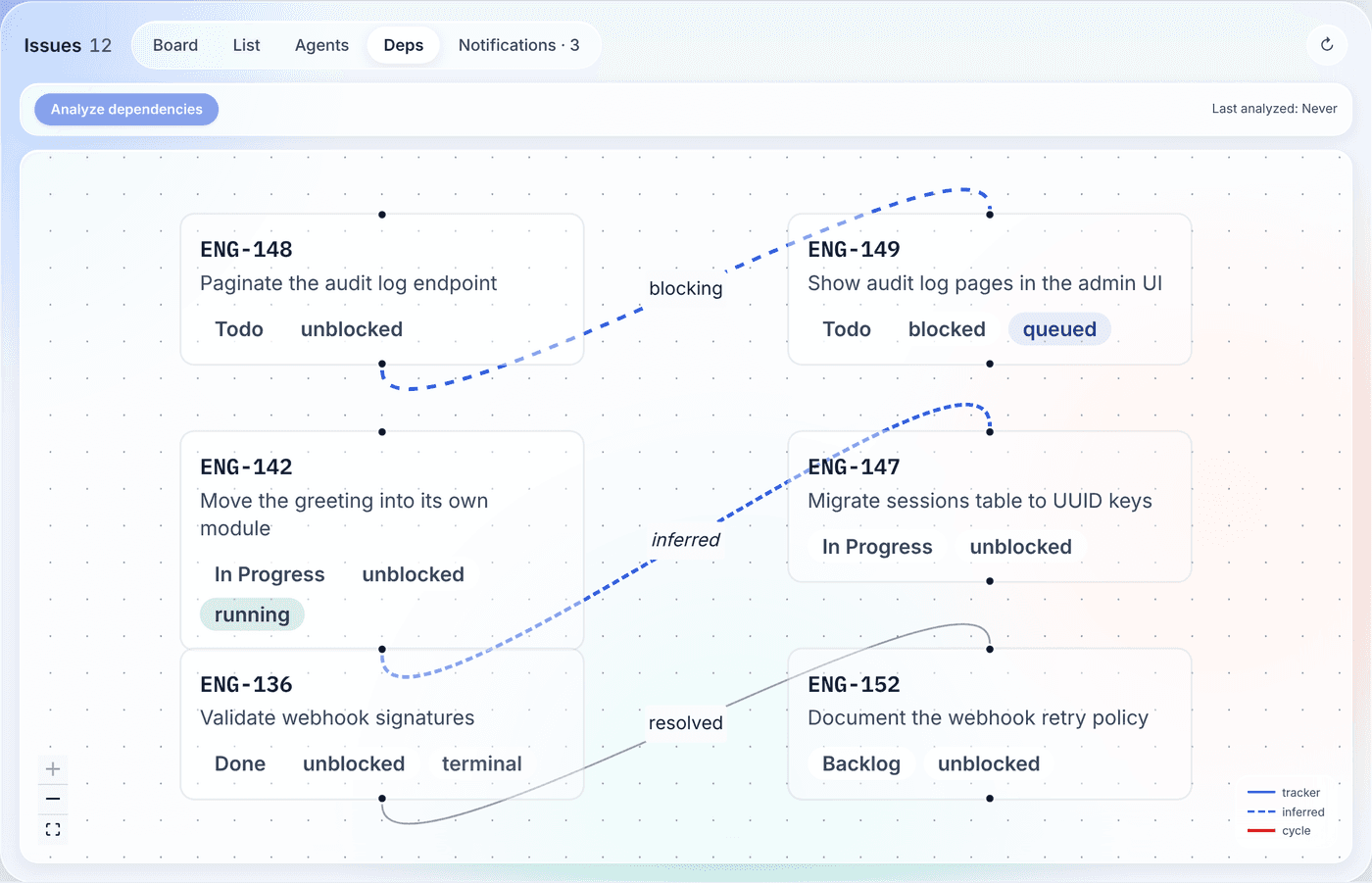
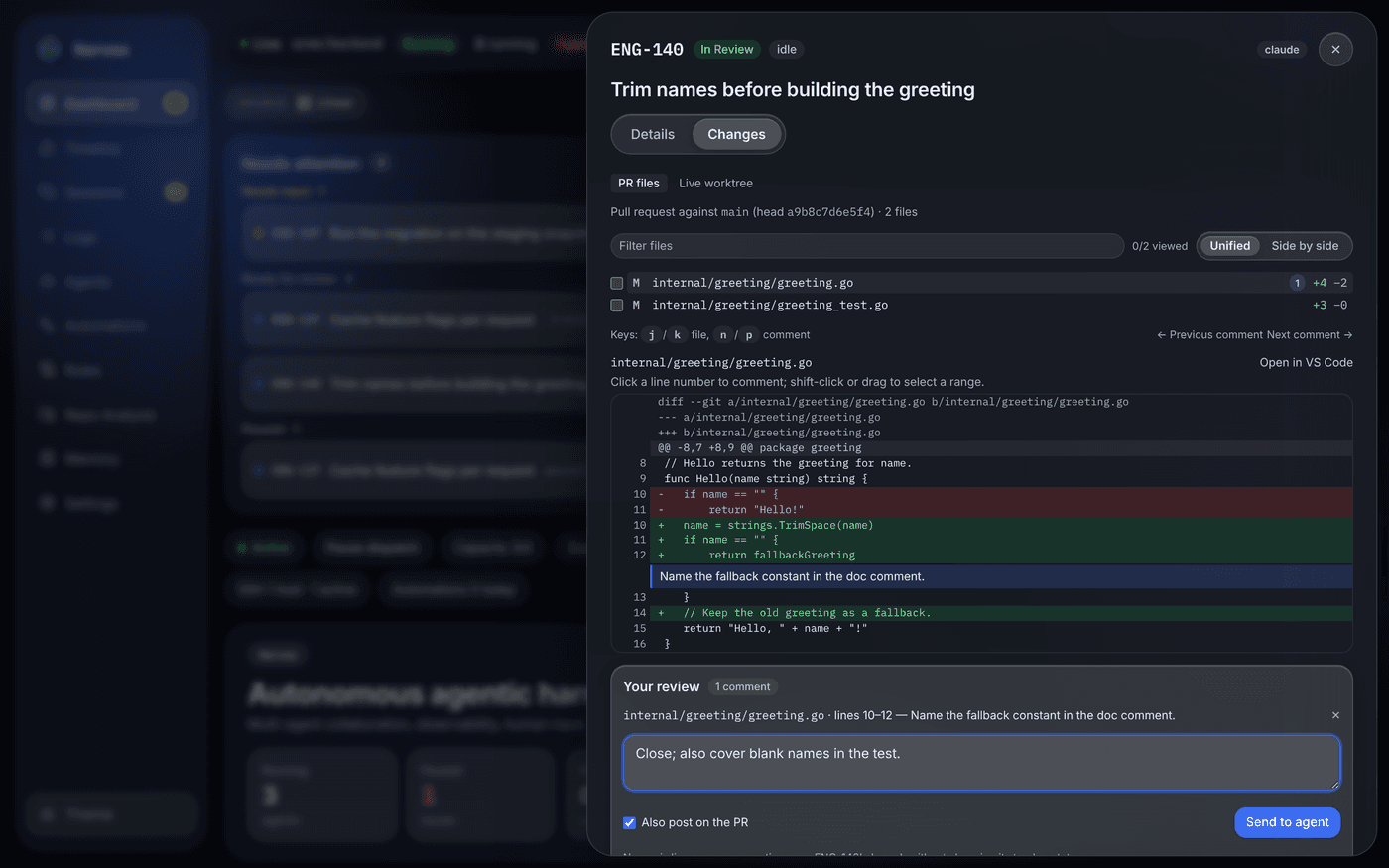
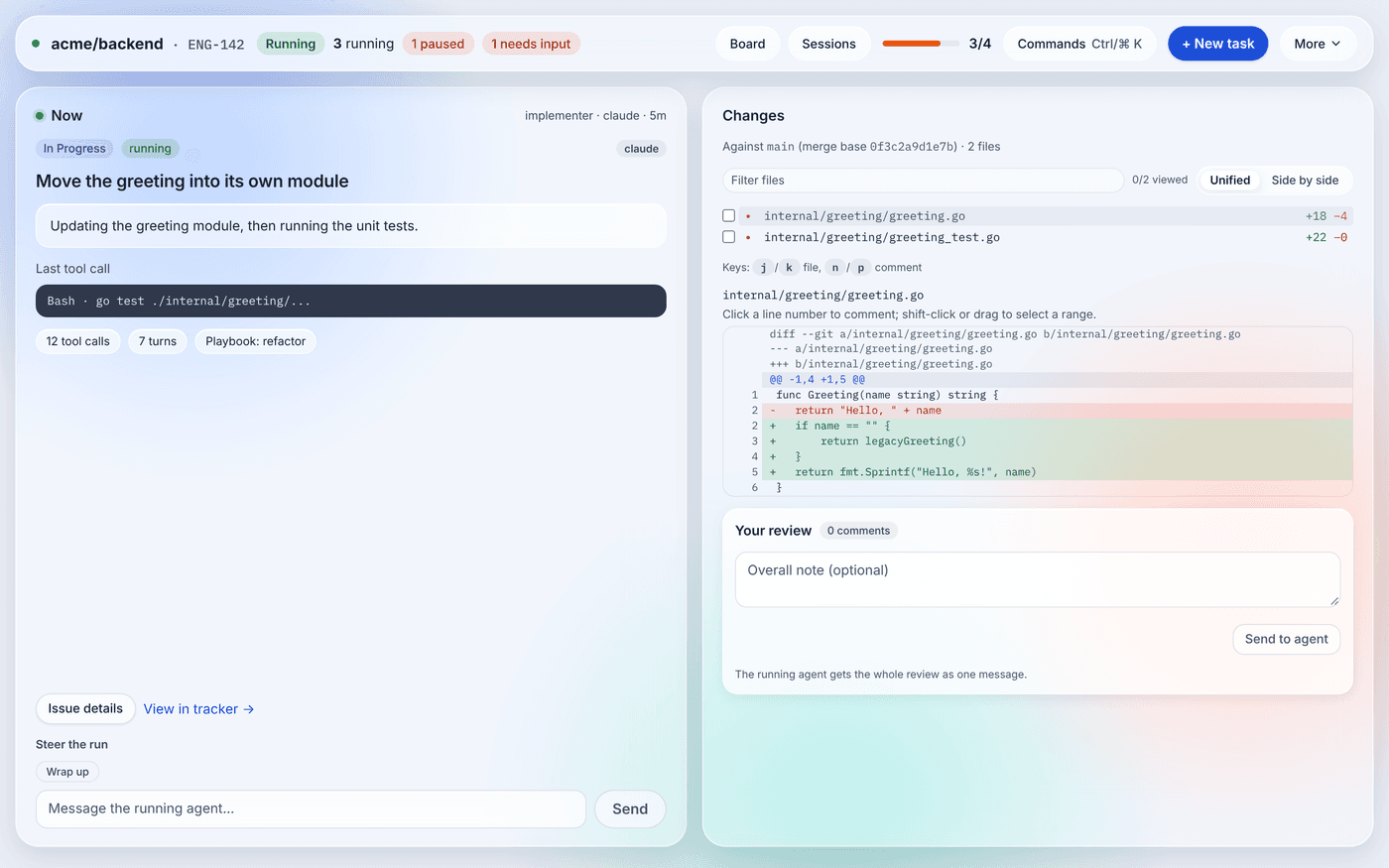
Send a whole review to the agent, watch what each run does to your machine, and reach everything from one palette.
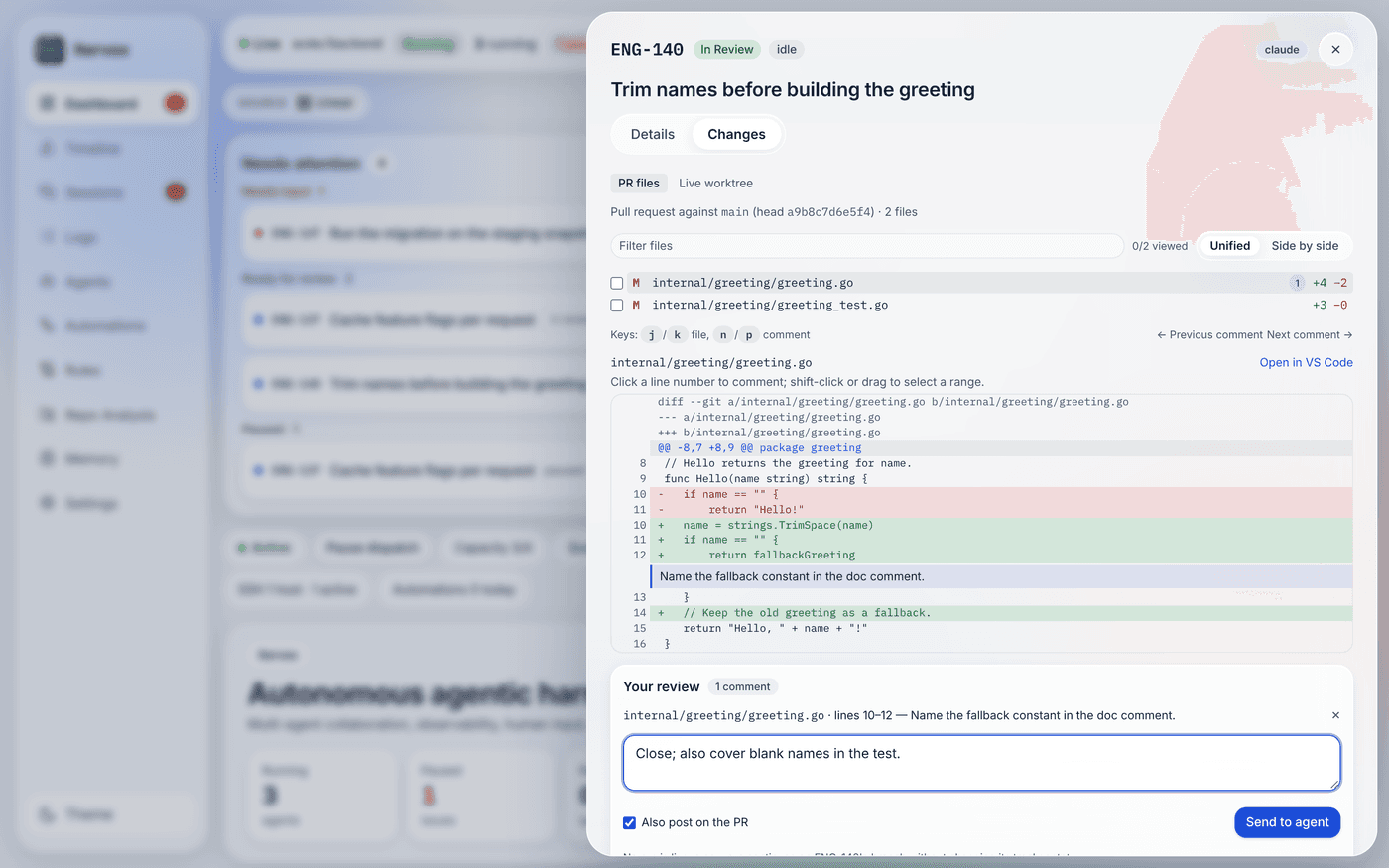
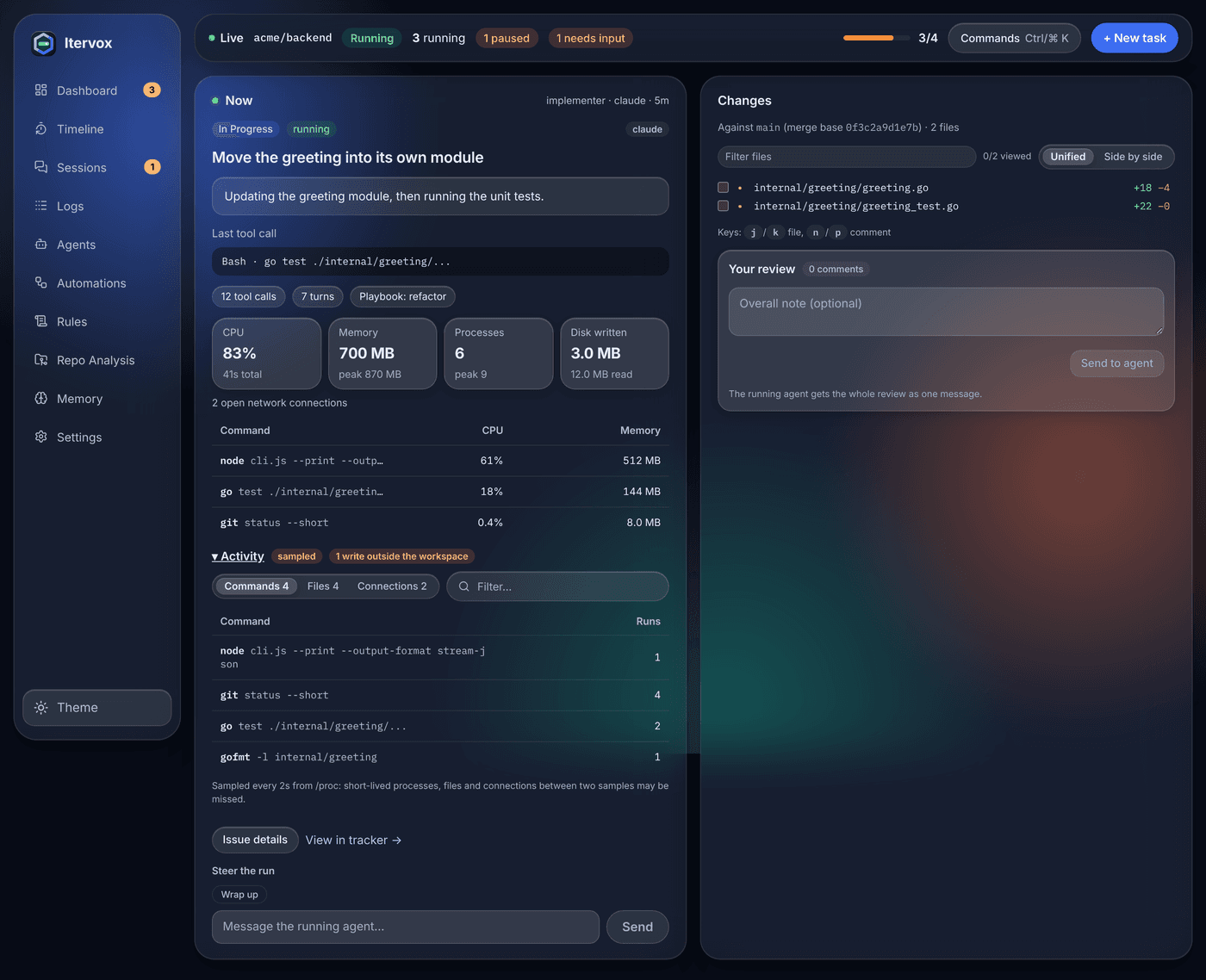
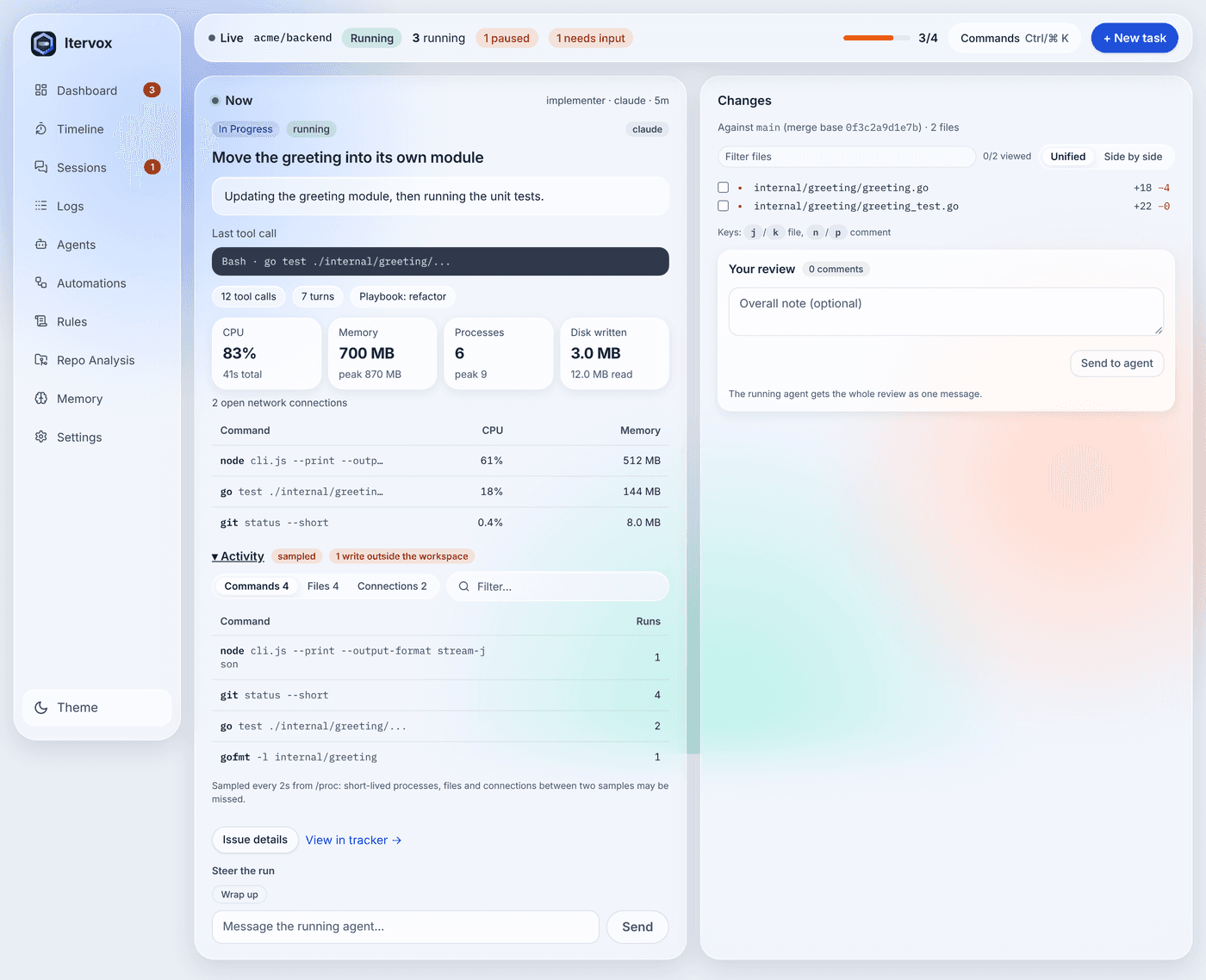
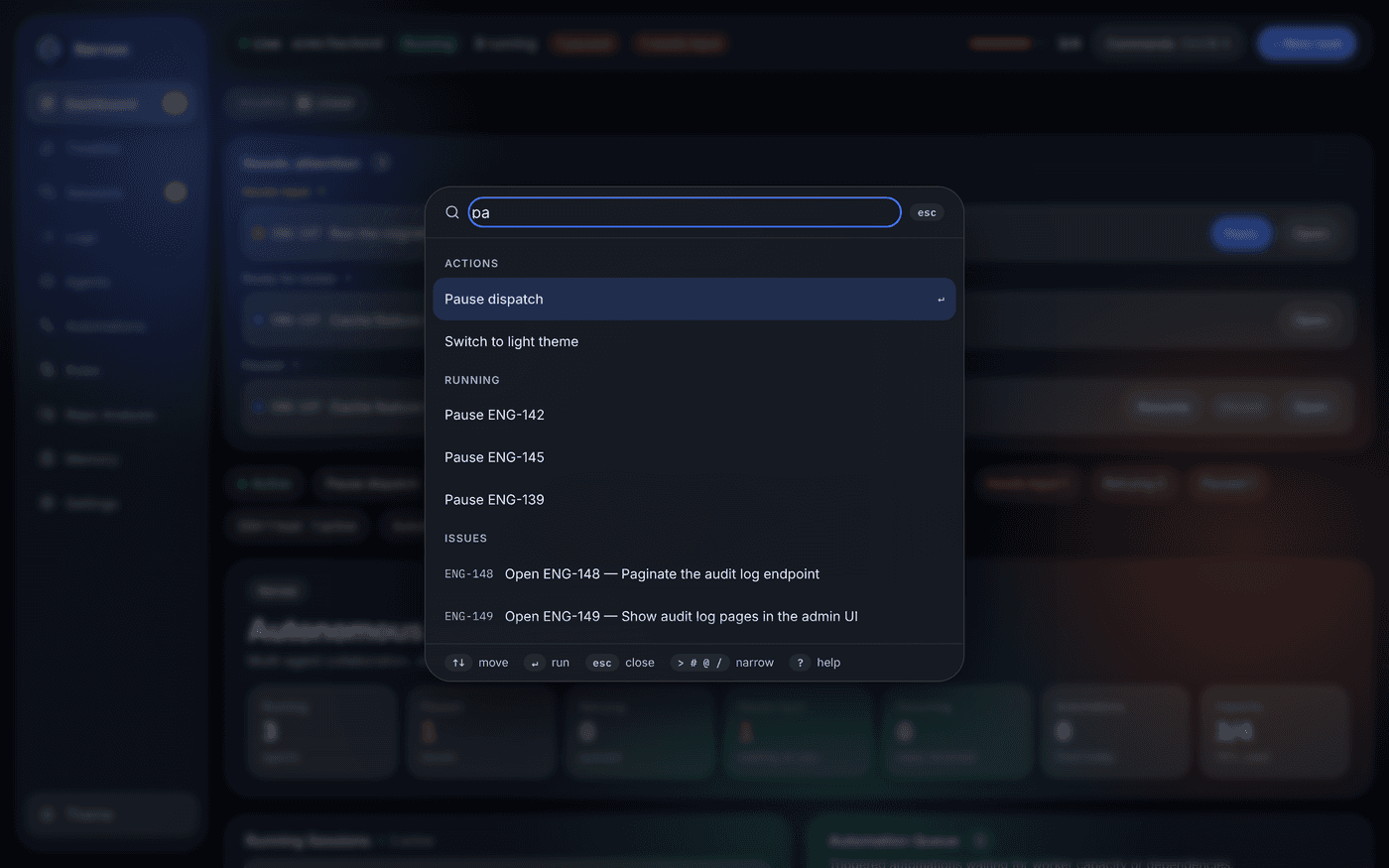
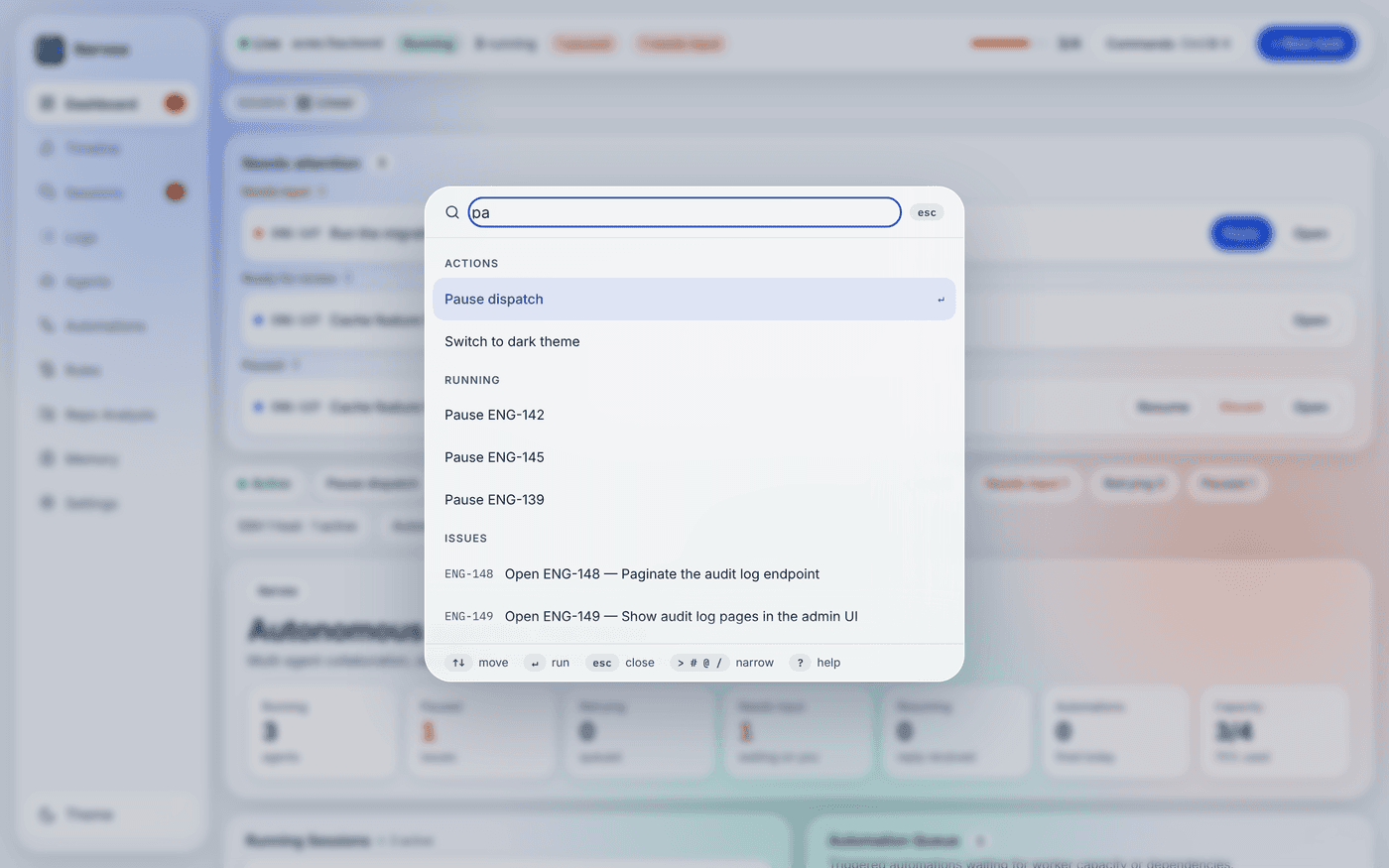
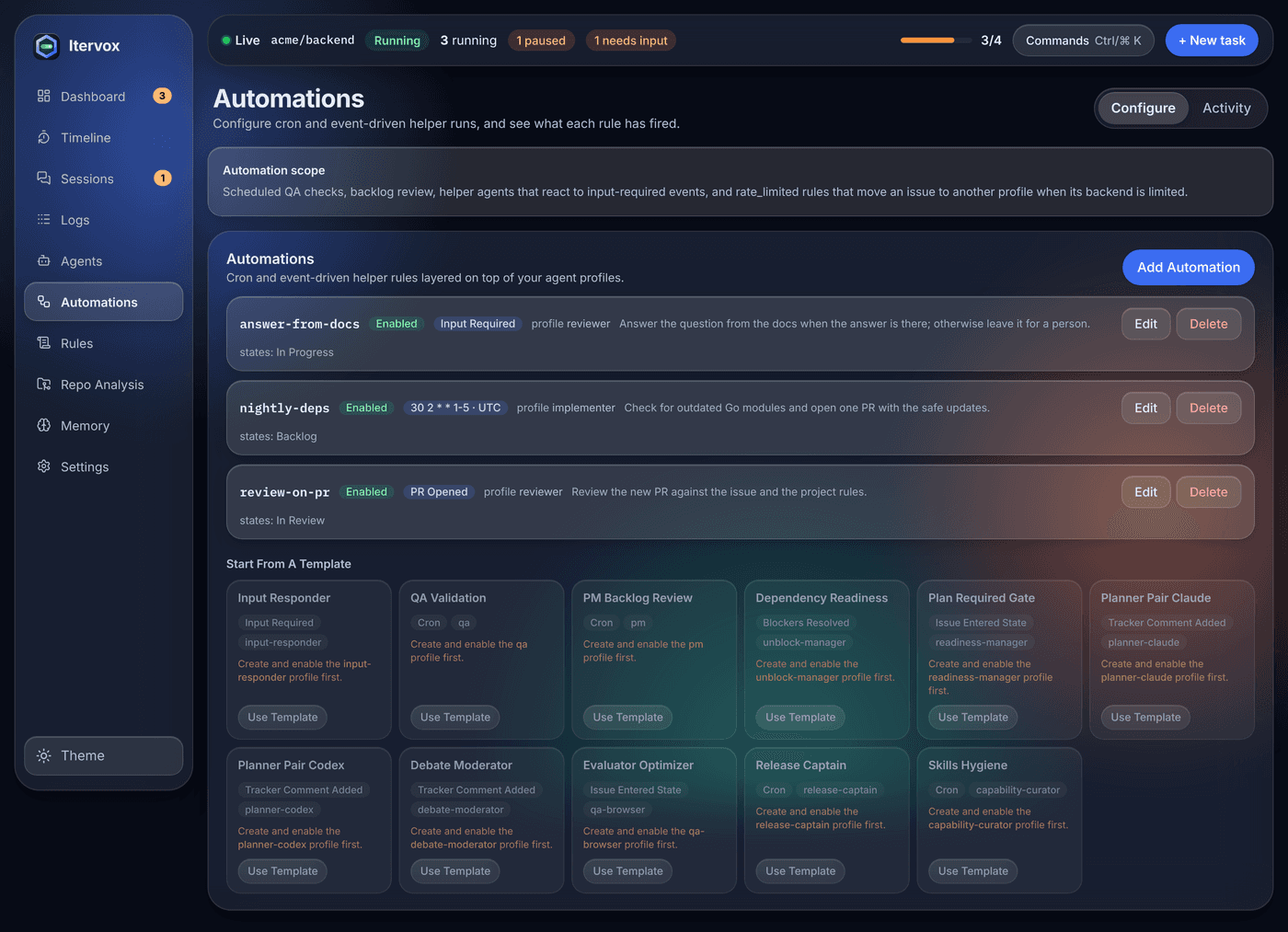
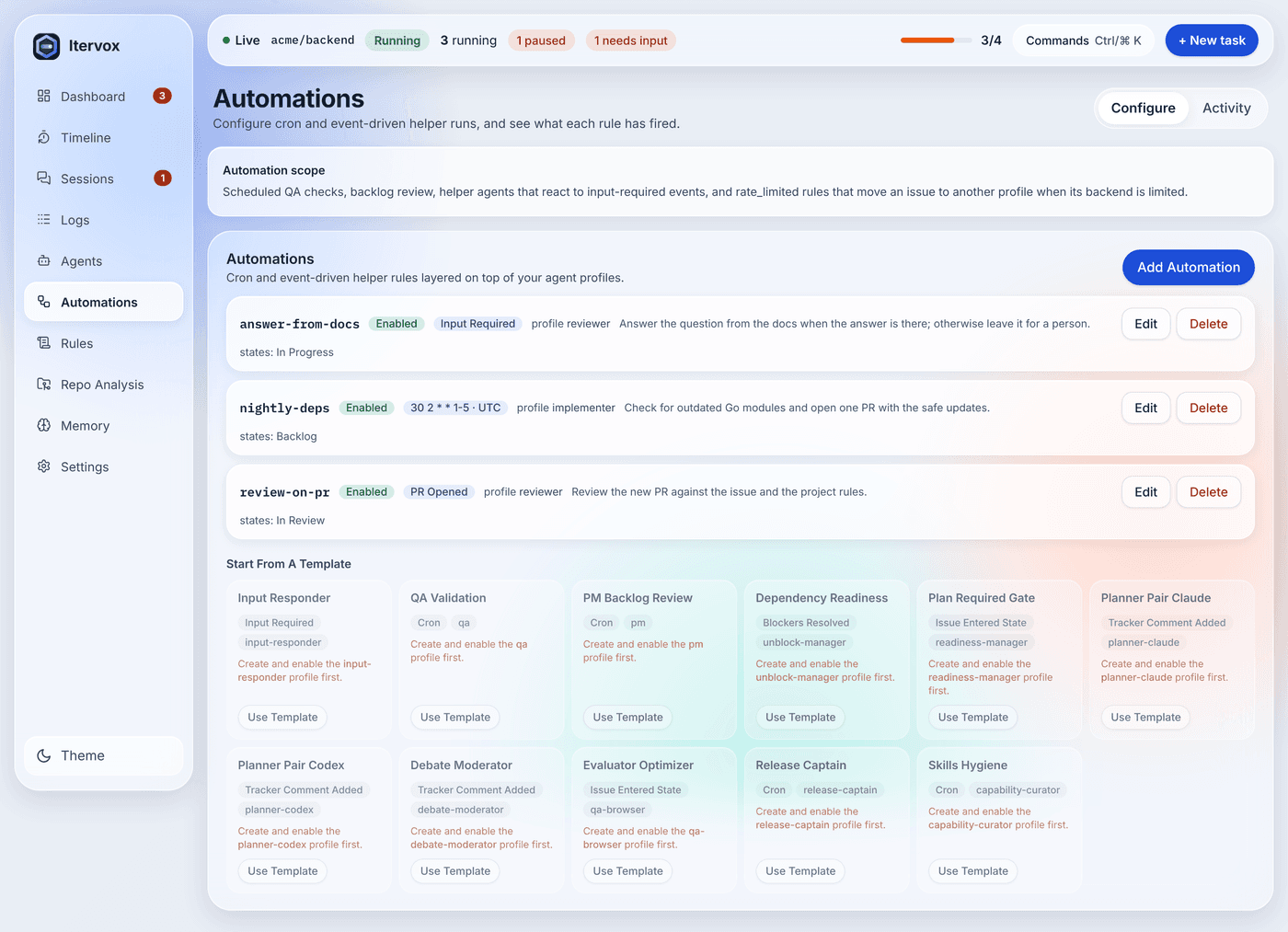
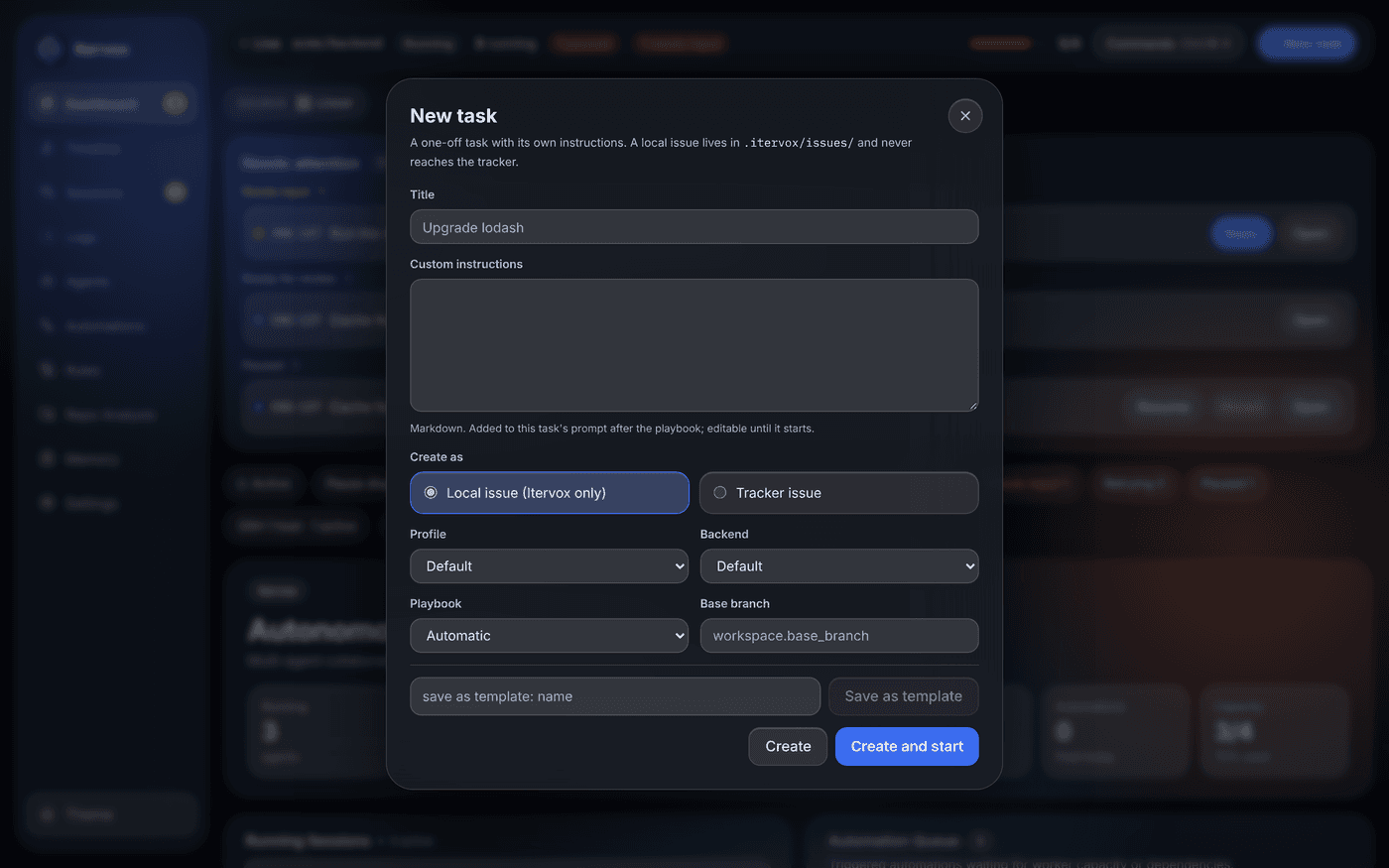
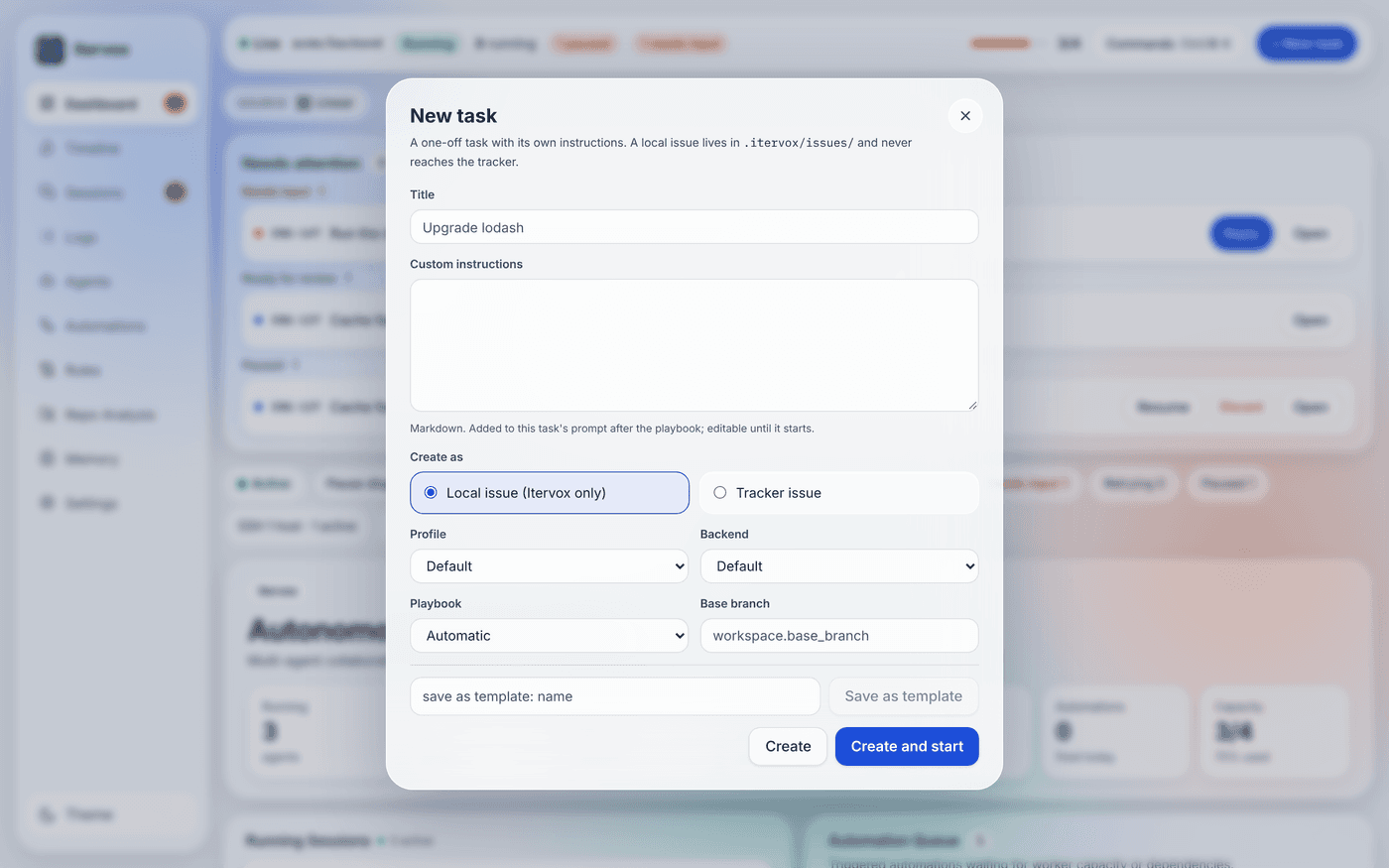
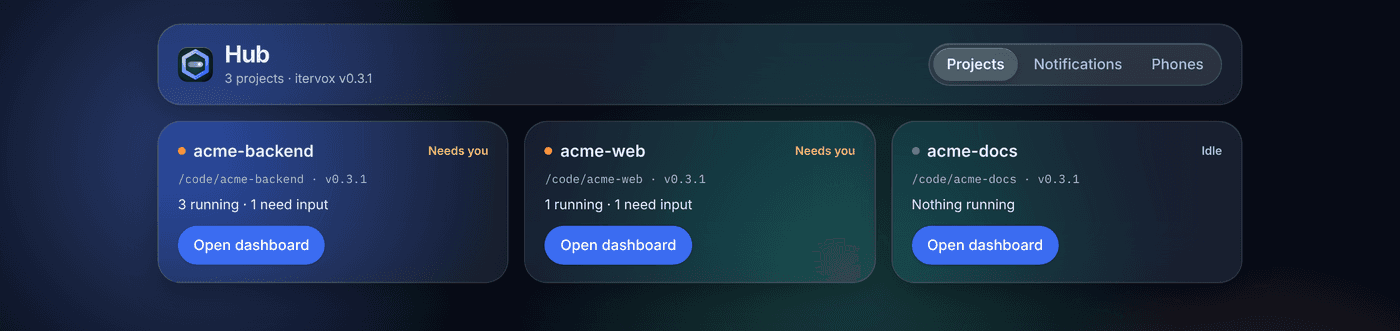
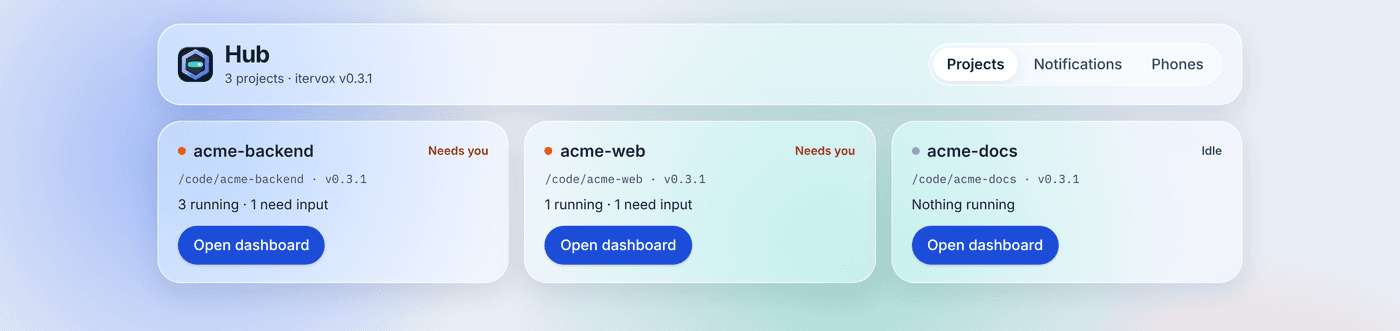
The backend comes from the command's program name. Route issue types to different profiles, models and machines.
claudeClaude Code — the defaultActive codexOpenAI Codex CLIActive opencodeOpenCodeActive cursor-agentCursor CLIActive customAny command that speaks the itervox agent protocolJSON lines linearLinear, with project filtersgithubGitHub Issues and labelslocalMarkdown files in .itervox/issues/ — no account needed # .itervox/settings.jsonc
"agent": {
"command": "claude",
"profiles": {
"coder-opencode": {
"command": "opencode --model …"
},
"coder-cursor": {
"command": "cursor-agent --model …"
}
}
} Lists every project's daemon, starts, stops and restarts them, tells you when an agent needs input or a run fails, and opens each dashboard in its own window. No terminal needed: the daemon ships inside the app.
brew install --cask vnovick/tap/itervox-app The app’s Homebrew cask comes with the first signed release; until then, use the .dmg.
brew install vnovick/tap/itervox Also as an .msi package for managed installs.
AppImage arm64 .deb x86_64 · arm64
brew install vnovick/tap/itervox 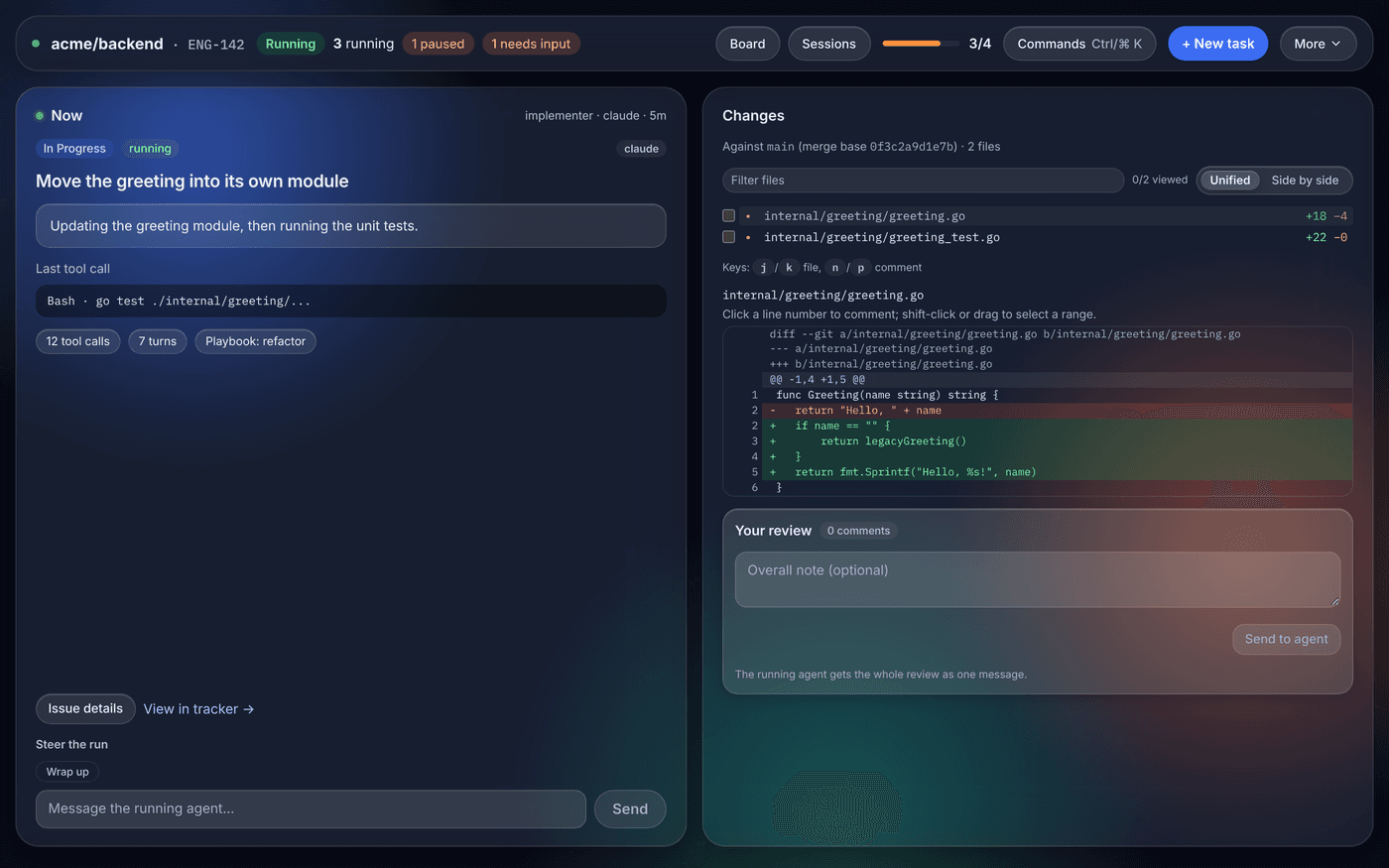
Try a throwaway board with a scripted agent — no tracker account, API keys or agent CLI needed. Then point it at your repository.
itervox demo Issues run, ask for input, fail and retry, go to review and finish — in about a minute. Run it itervox quickstart Detects your tracker and agent, writes WORKFLOW.md, checks everything, starts the daemon. Read it Documentation → Configuration, CLI, API reference and guides for every backend and tracker.